
Own bank accounts: no customer bank accounts for your own IBANs
With the Own Bank Accounts page, 365 business Banking prevents customer or vendor bank accounts from being created for your own or intercompany IBANs when posting.
If Create Bank Accounts is switched on in Banking Setup (the default), 365 business Banking creates a customer or vendor bank account for every unknown IBAN when a payment reconciliation journal is posted. This increases the match rate for the next application. If the payment comes from one of your own accounts, however, for example because a transfer between two group companies was posted to a customer by mistake, your own IBAN is assigned to that customer. Every further transfer would then also be matched to that customer.
The Own Bank Accounts page lists the IBANs that Business Central must not assign to a customer or vendor as a bank account.
Use cases
- You have several bank accounts and transfer amounts between them.
- Companies of the same group pay each other.
- A shareholder, a holding company or a trust account regularly pays on your behalf.
Step by step
- Choose the Search icon, enter General Ledger Setup and open the page.
- Choose the Own Bank Accounts action.
- Add one line per account:
| Field | Meaning |
|---|---|
| Code | unique identifier, for example HOLDING |
| Description | free text |
| Company Name | the company the account belongs to; leave blank for accounts not linked to a company |
| IBAN | checked and formatted when entered |
| SWIFT Code | BIC, optional |
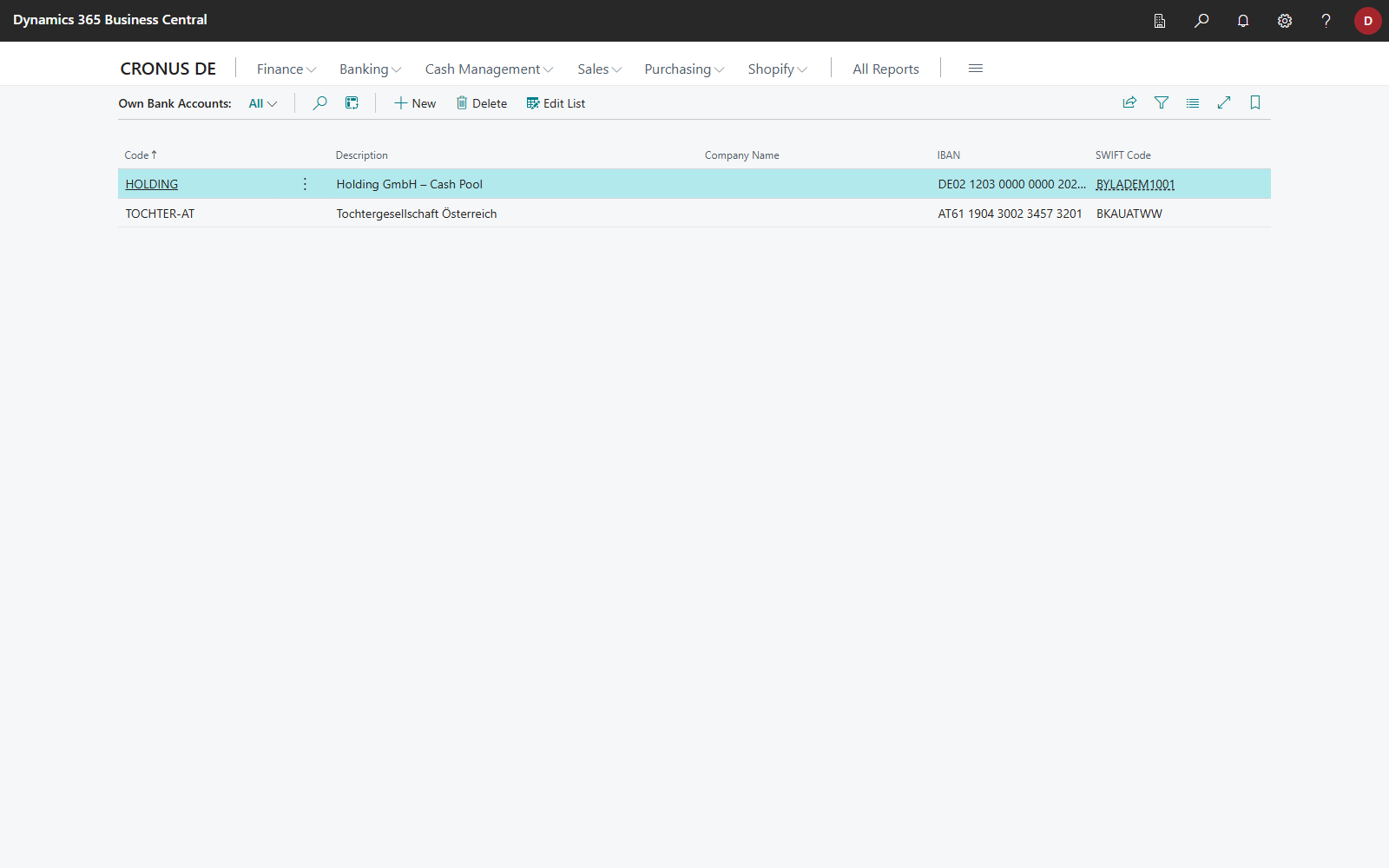
You can also open the Own Bank Accounts page directly with the Search icon. In the role centers, the Own Bank Accounts action is hidden by default.
What happens when posting
When a line that is assigned to a customer or vendor and contains a sender or recipient IBAN is posted, Business Central compares the IBAN with the Own Bank Accounts. If the IBAN is listed there, no customer or vendor bank account is created. The posting itself is carried out as usual.
Limitations
Own bank accounts take effect only when posting, and only on the creation of bank accounts. They do not influence automatic application: a transfer from one of your own accounts can still be matched to a customer, for example via the document number or the name. Check such lines before posting. To assign transfers between your own accounts to a G/L account or bank account, use a reconciliation rule on the counterparty's IBAN.
If one of your own IBANs has already been assigned to a customer or vendor as a bank account, delete that bank account on the customer or vendor card. The entry in Own Bank Accounts only prevents it from being created again.