
Plugins
Install Plugins
Plugins are installed directly within Microsoft Dynamics 365 Business Central.
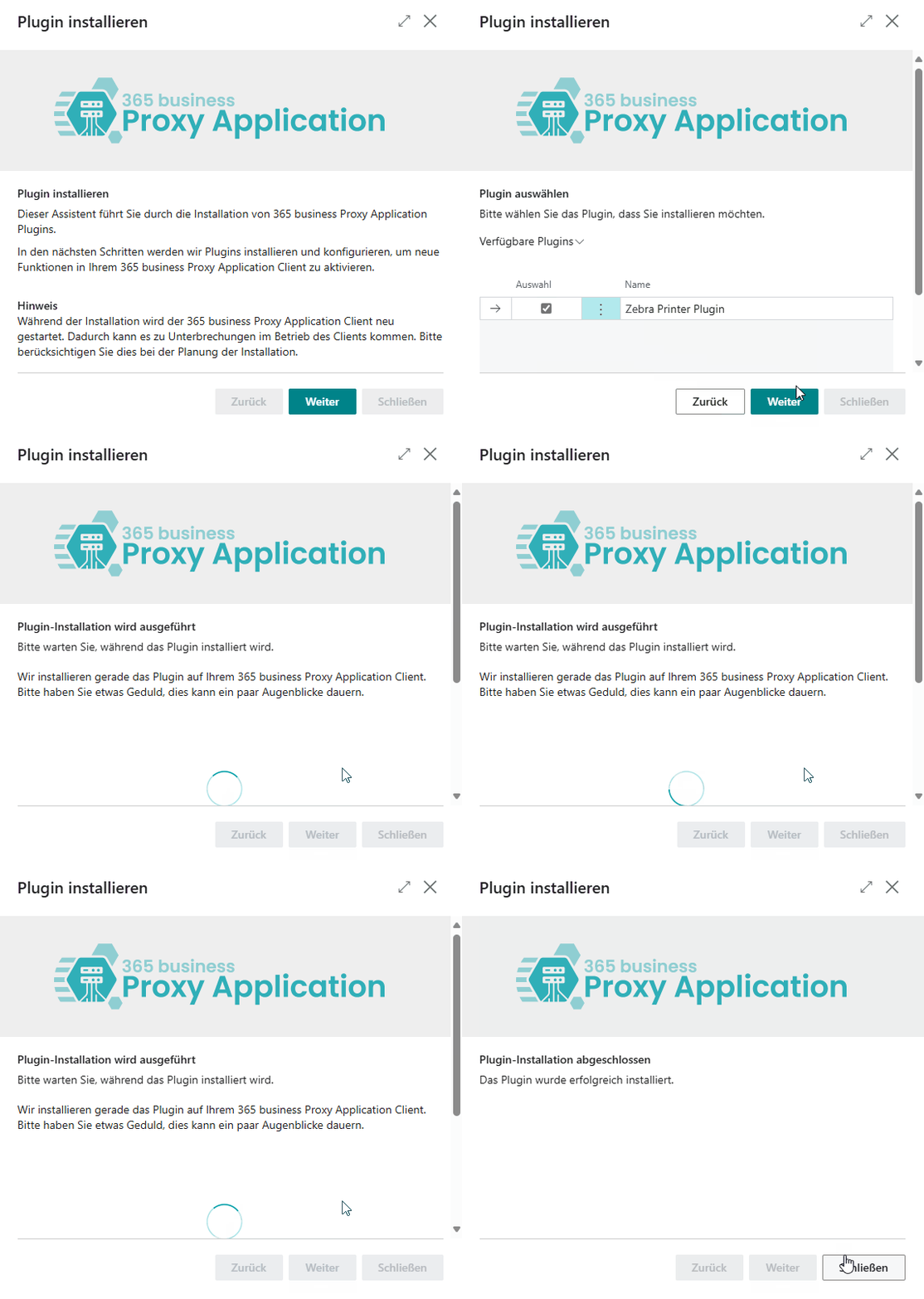
Step by step
-
Open Microsoft Dynamics 365 Business Central.
-
Go to the Proxy Application Clients page.
-
Click Refresh to load available clients.
-
Select the desired client by name.
-
Click Install Plugins.
-
Click Next.
-
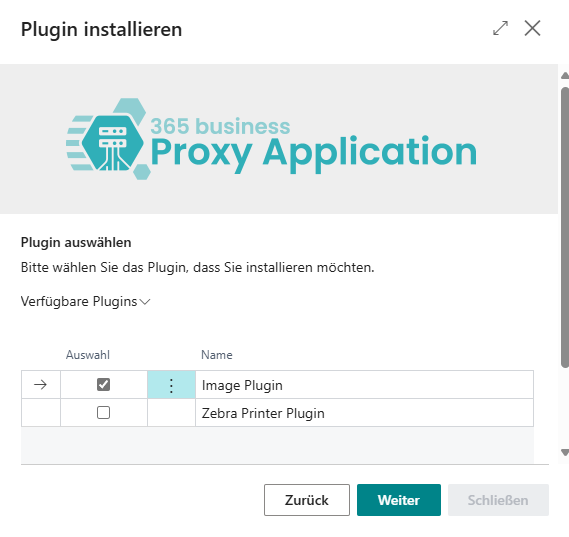
Select the plugins you want to install (e.g., File Plugin).
-
Click Next again.
-
After the installation is complete, click Close.
Last modified on