


365 business Print Agent Mobile App
Maximum security and flexibility for your print jobs – anytime and anywhere.
The 365 business Print Agent mobile app for iOS and Android gives users of Microsoft Dynamics 365 Business Central a powerful extension for the Secure Print feature – directly on their smartphone or tablet.
The app is the ideal companion for modern work environments where security, mobility, and efficiency are top priorities.
Availability
| Platform | QR code for direct download |
|---|---|
  | 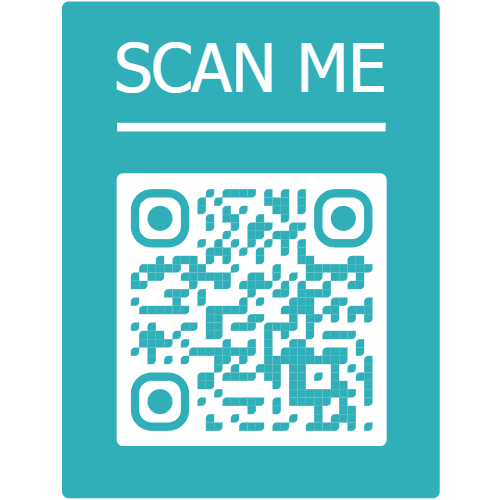 |
What does the app offer?
The app allows users to directly manage all Secure Print jobs that were created in Business Central via the 365 business Print Agent solution. The focus is on the following core functions:
Benefits at a glance
✅ Instant access to all personal print jobs
✅ Secure release: the user decides when to print
✅ No printer installation required
✅ Fully integrated with the 365 business Print Agent infrastructure
✅ Supports mobile work and increases print security
✅ Cross-platform: iOS and Android
Ideal for companies that...
- want to print confidential documents only when the user is physically present
- want to offer their employees a modern and secure print solution
- value cloud integration and user-friendliness
Info
The app only works in combination with the paid Secure Print add-on of the 365 business Print Agent solution. Please check in the Extension License Management (365 business development) if your environment is licensed accordingly.
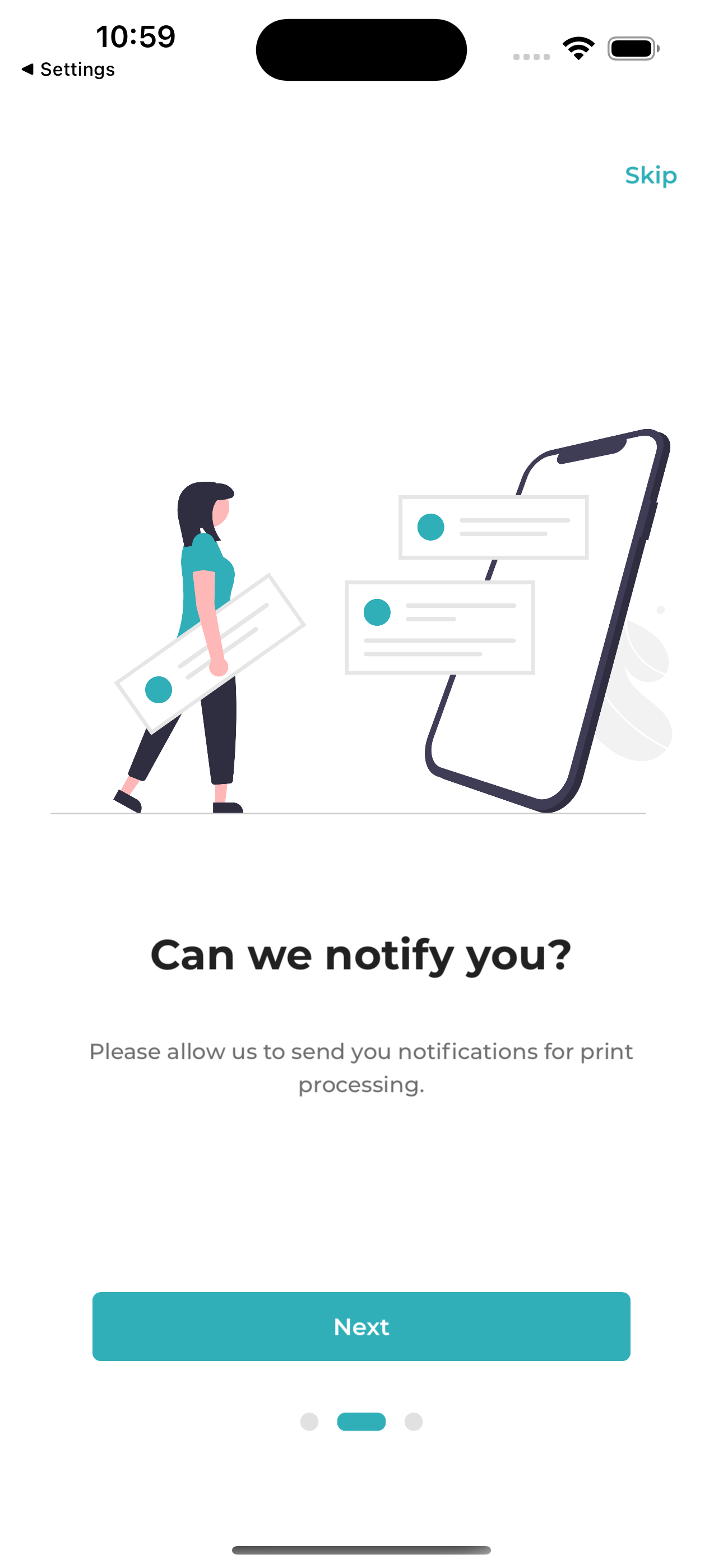
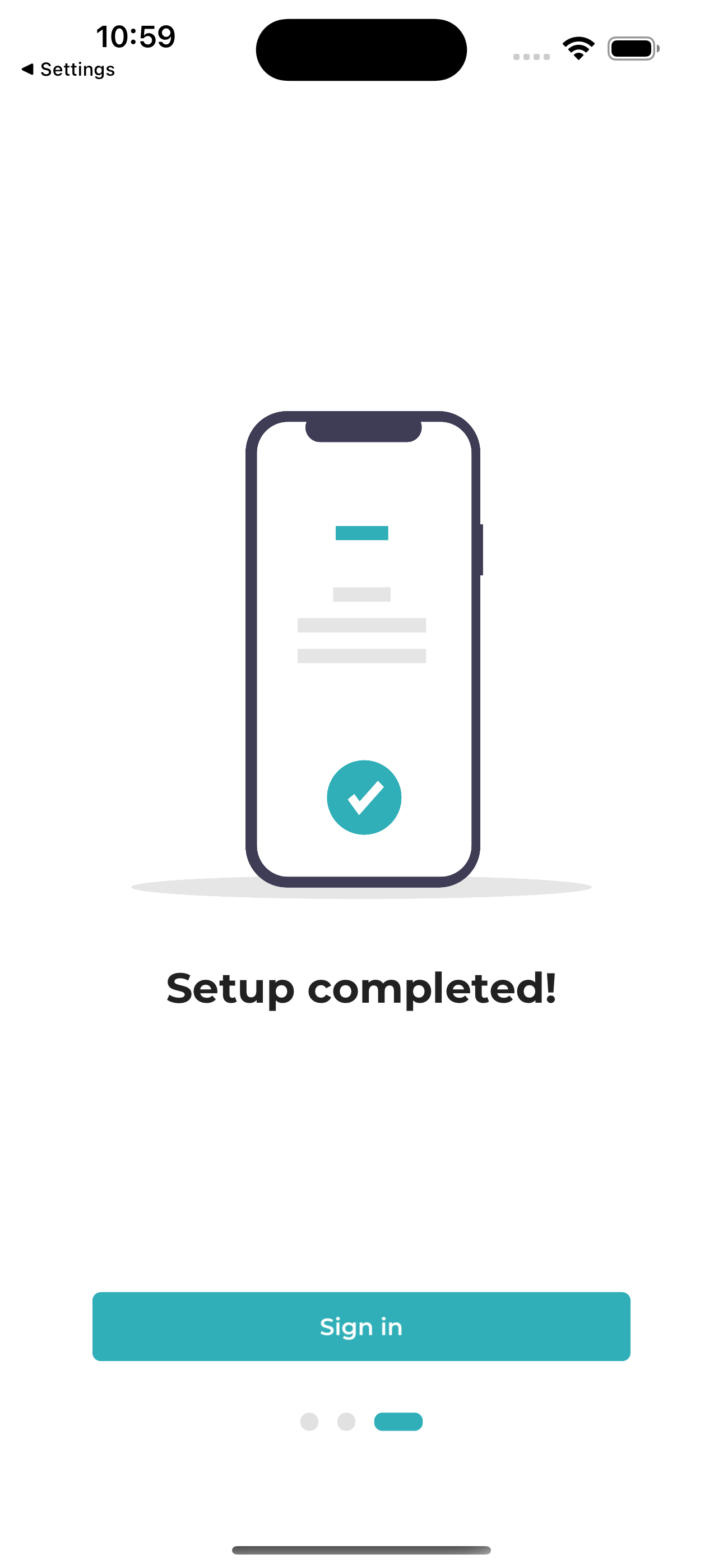
Get started quickly with guided onboarding
The app provides a clearly structured start through a short onboarding process. After signing in with your Microsoft account, the app is ready to use within seconds.

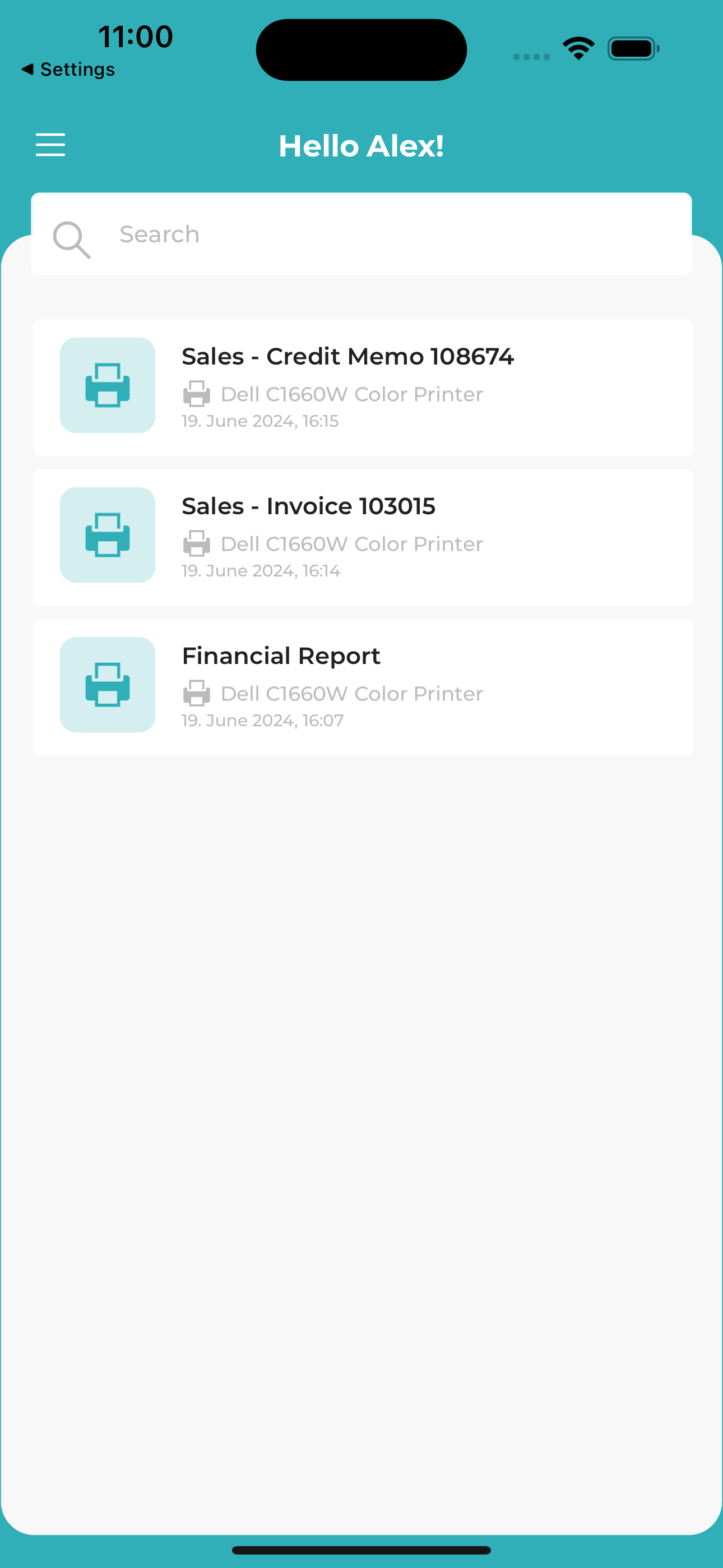
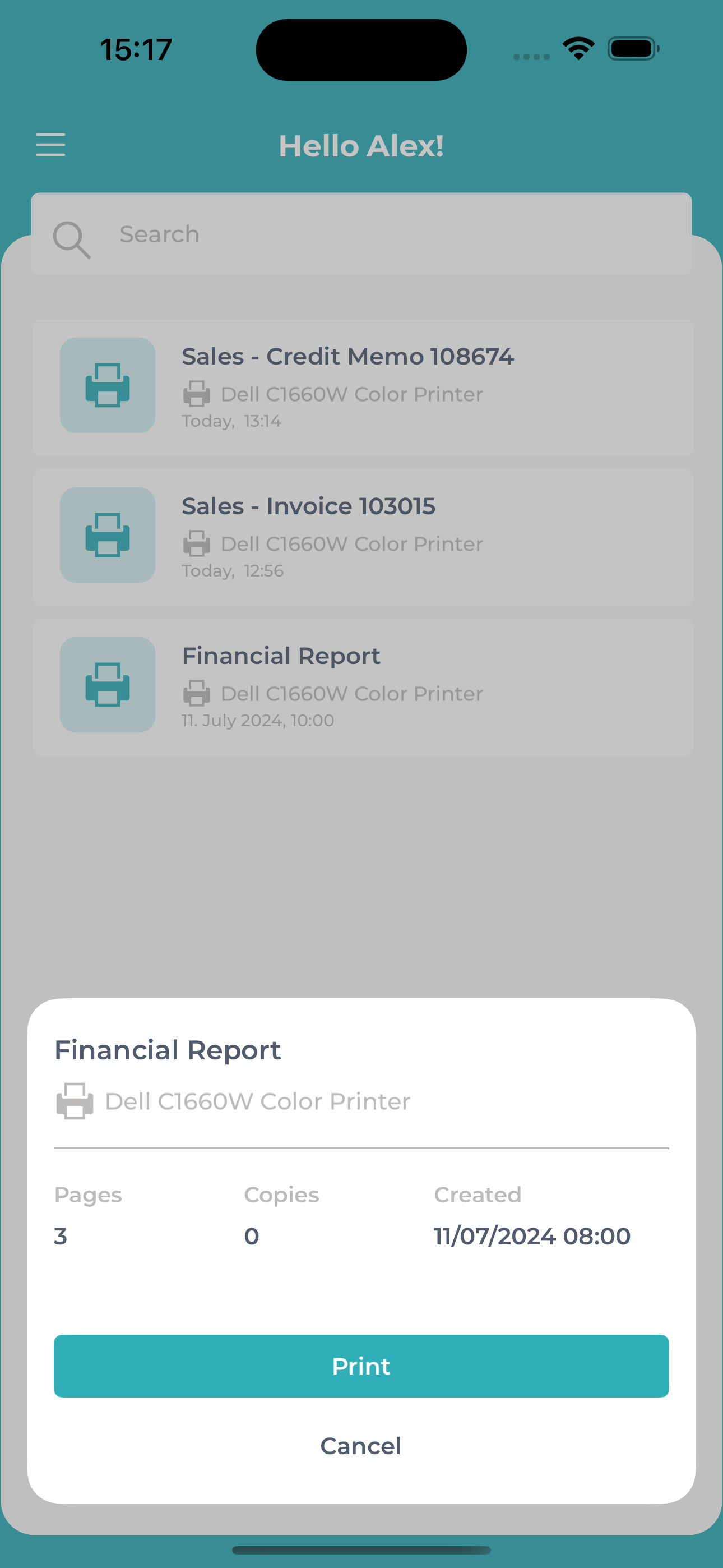
Overview of all Secure Print jobs
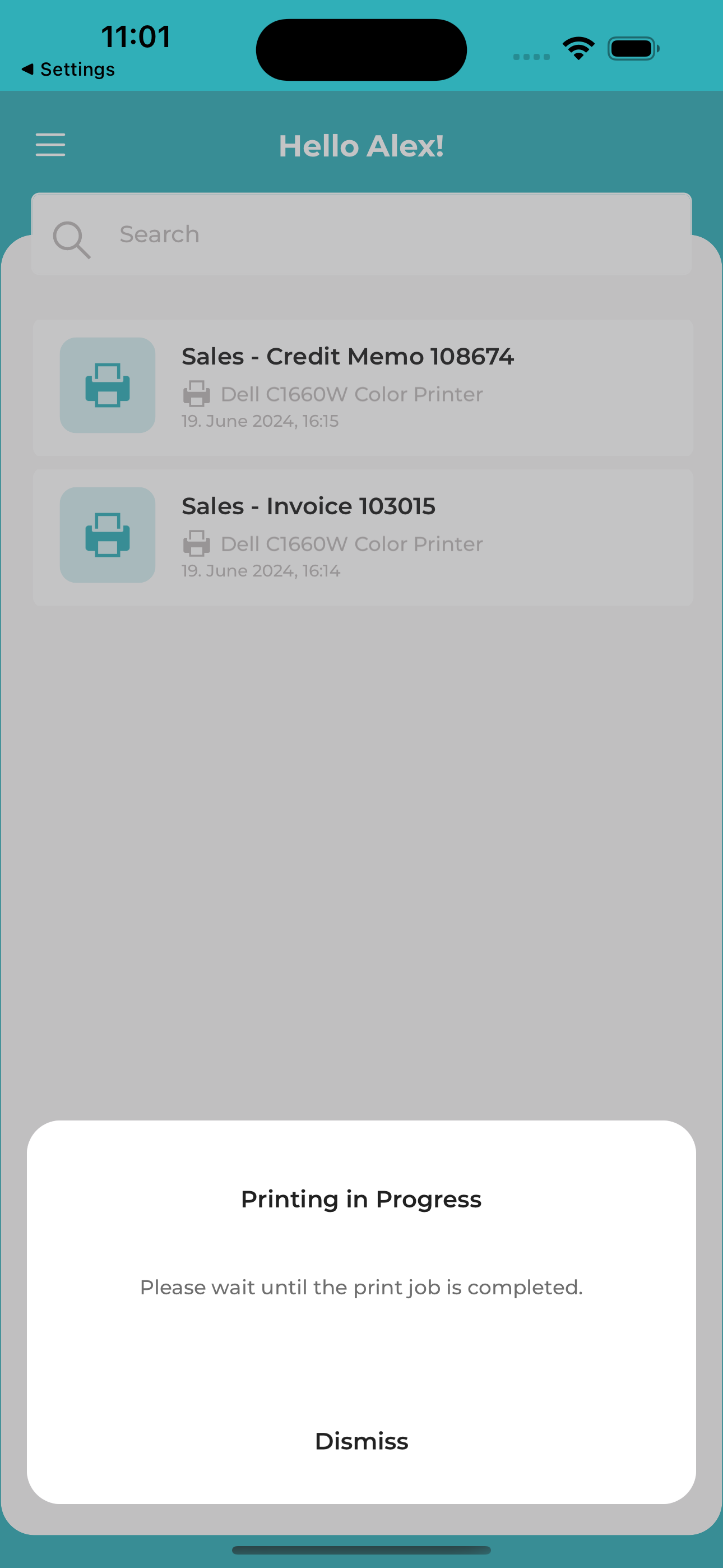
After successful login, the user is presented with a clean, well-organized overview of their personal print jobs. Each job can be:
- printed, or
- deleted directly from the app.
Whether working from home, traveling, in an open-plan office, or the warehouse: with the app, users always have access to their print jobs and can decide when a document is actually printed – securely, with control, and regardless of location.
User Profile & Support
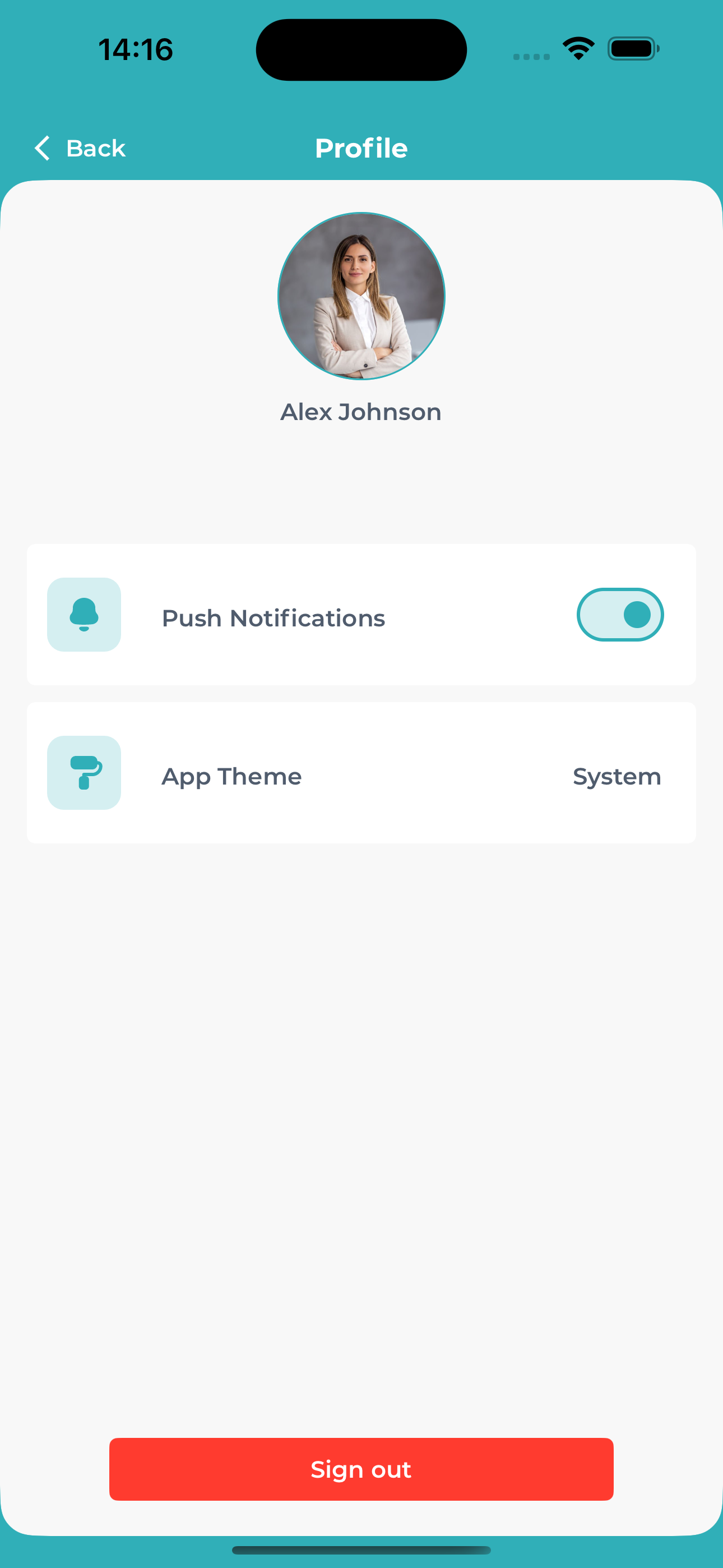
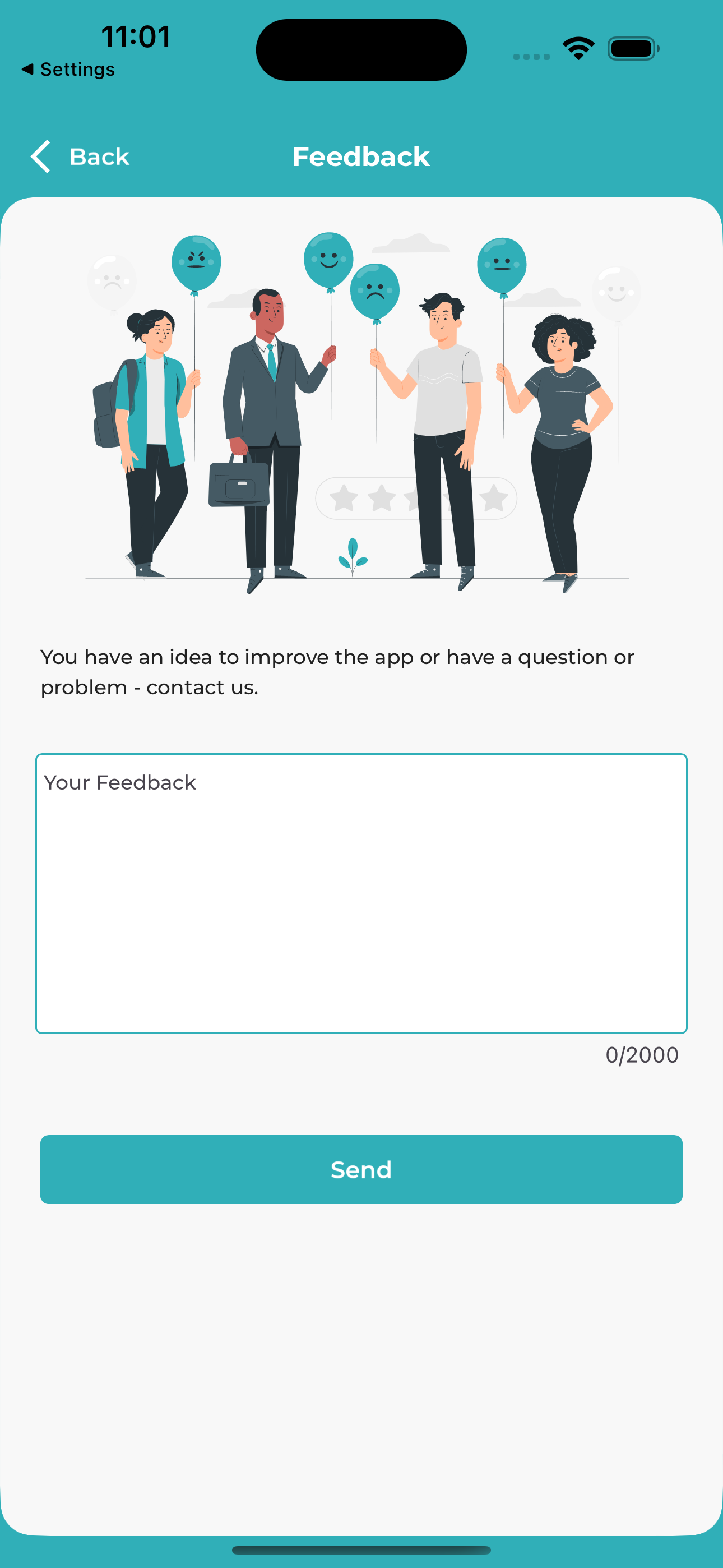
In the profile section, users can adjust their settings, provide feedback, or contact support – all directly from within the app.
Help & Support
👉 For more information on setting up Secure Print, visit the documentation.
📞 For questions, our Support Team is happy to assist.