
365 business PDF
Sign Documents
With 365 business PDF you can sign PDF files generated from Microsoft Dynamics 365 Business Central and integrate this signature into the file. This signature protects your PDF file from tampering and also guarantees the recipient that the PDF file is intact and that it is from where it came.
The digital signature is executed on the basis of a PKCS 12 certificate file (PFX).
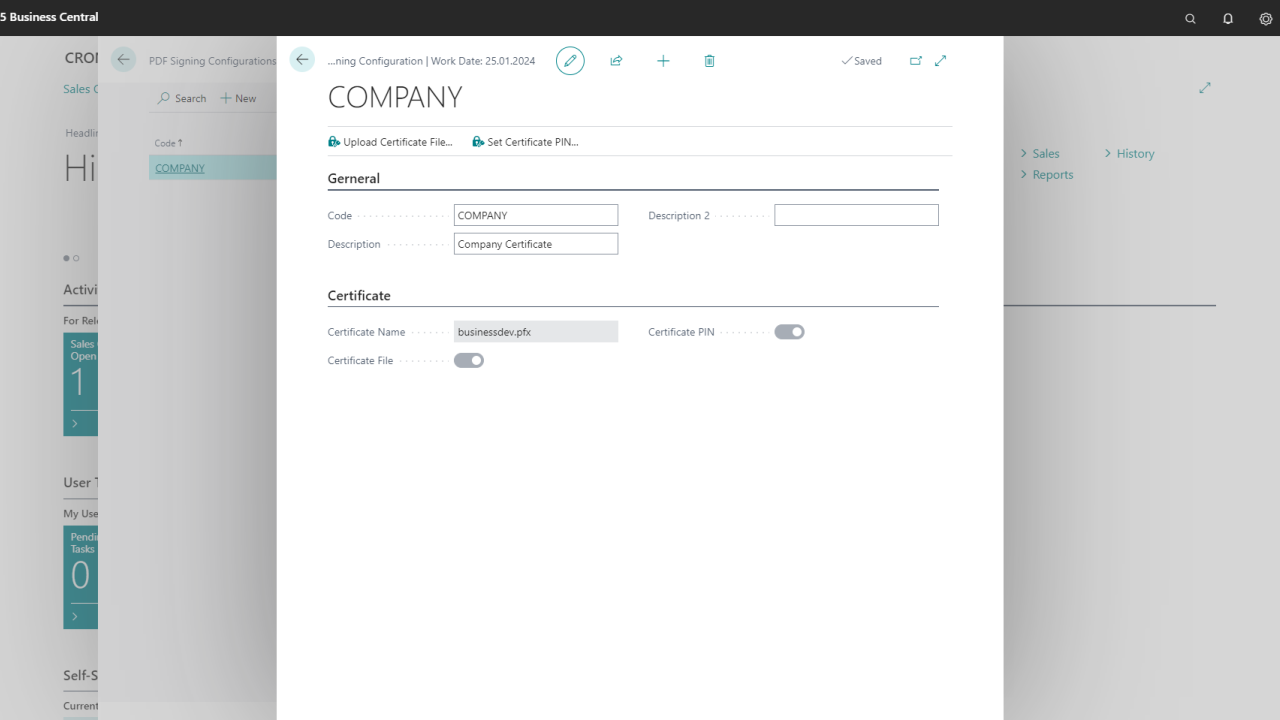
The setup takes place in the PDF Signing Configurations page. Here, multiple signing configurations can be created, e.g. based on different certificate files.
How do I create a signing configuration?
- Open the page PDF Signing Configurations.
- Select New.
- Specify a value in Code field.
- Specify a Description for the configuration.
- Select Upload Certificate File and select a valid PFX certificate file.
- Select Set Certificate PIN and specify the PIN to access the certificate file.
Last modified on