
Stripe
Stripe is a payment service provider that enables businesses to accept and process payments online. With 365 business Banking, you can connect your Stripe account directly to Microsoft Dynamics 365 Business Central to automatically retrieve transactions and include them in payment reconciliation.
Stripe allows you to accept payments from credit cards, debit cards, and other payment methods, both online and in mobile applications. Stripe offers a user-friendly API that enables developers to seamlessly integrate payment functionality into their applications.
Prerequisites
- An active Stripe account.
- API credentials (Secret Key) for the Stripe API.
You can create these in your Stripe dashboard (see Stripe API Keys).
API Keys
API keys are required to establish a connection between Stripe and 365 business Banking. They serve as an authentication mechanism to ensure that only authorized applications have access to your Stripe account.
Stripe supports two types of API keys:
Standard Keys
Standard keys allow full API access and comprehensive interaction with your account. These keys do not require special permissions and can be used for most use cases.
Restricted Keys
Restricted keys provide greater security by limiting access to specific API functions. These keys can be configured to only have access to the functions required for your application, reducing the risk of misuse.
Good to know
Ensure that the API keys used have the necessary permissions to retrieve transactions and include them in payment reconciliation.
Permissions for Restricted Keys
The following permissions are required when using restricted keys:
| Resource Type | Permission | Description |
|---|---|---|
Balance | Read | Access to account balance information and transactions. |
Balance Transaction Source | Read | Access to the source of transactions, e.g., payments, refunds, fees. |
Balance Transfers | Read | Access to transfers between accounts. |
Setup
To establish the connection between Stripe and Microsoft Dynamics 365 Business Central, proceed as follows:
Step-by-Step Guide
- Select Bank Accounts in the search of Microsoft Dynamics 365 Business Central.
- Create a new bank account or select an existing one.
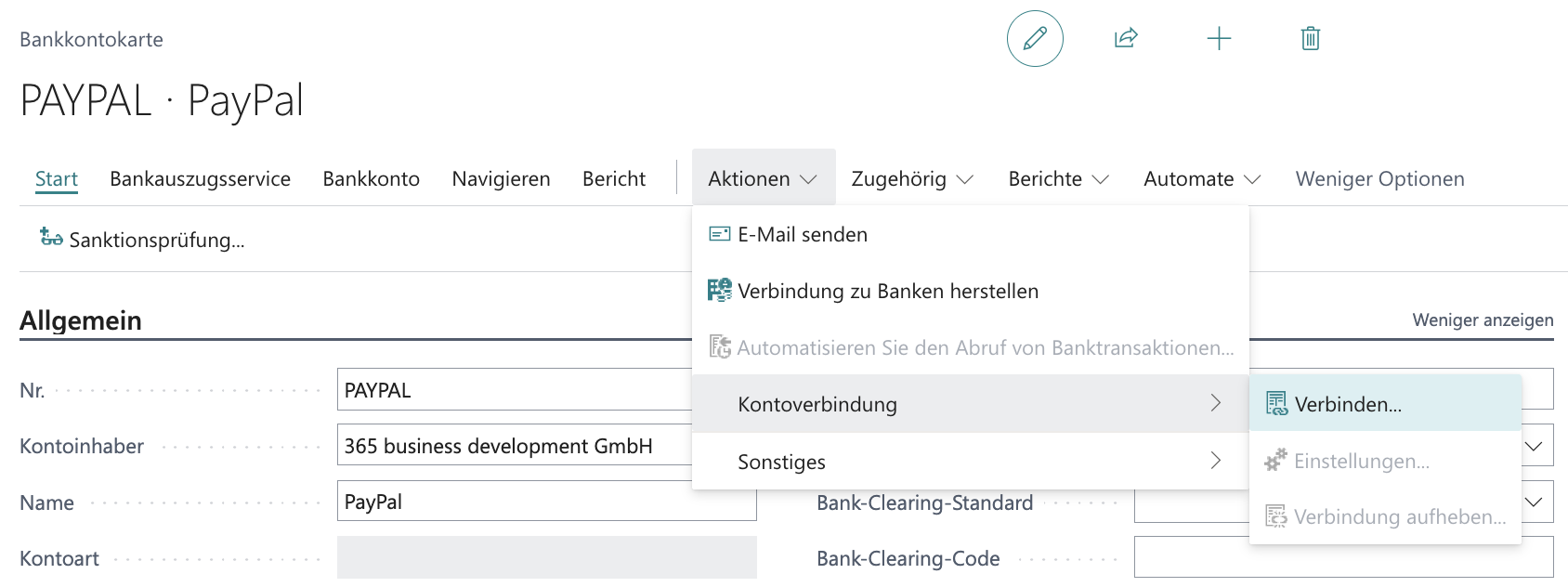
- In the Bank Account Card, under Actions, choose the action group Account Connection and select Connect….
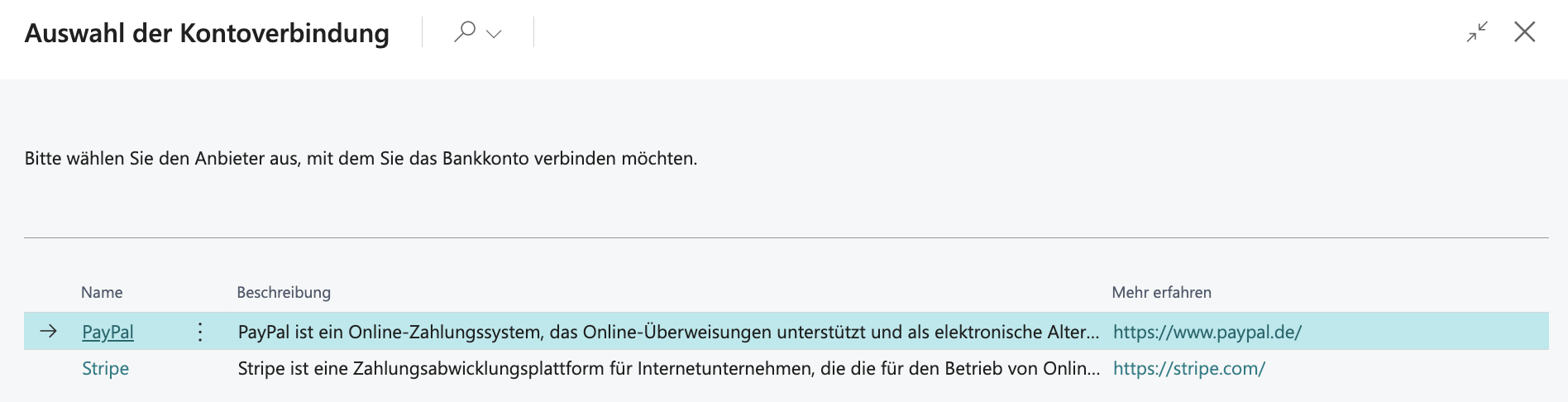
- Select Stripe from the list.
- Confirm the confirmation prompt with Yes.
- Enter the Secret API Key.
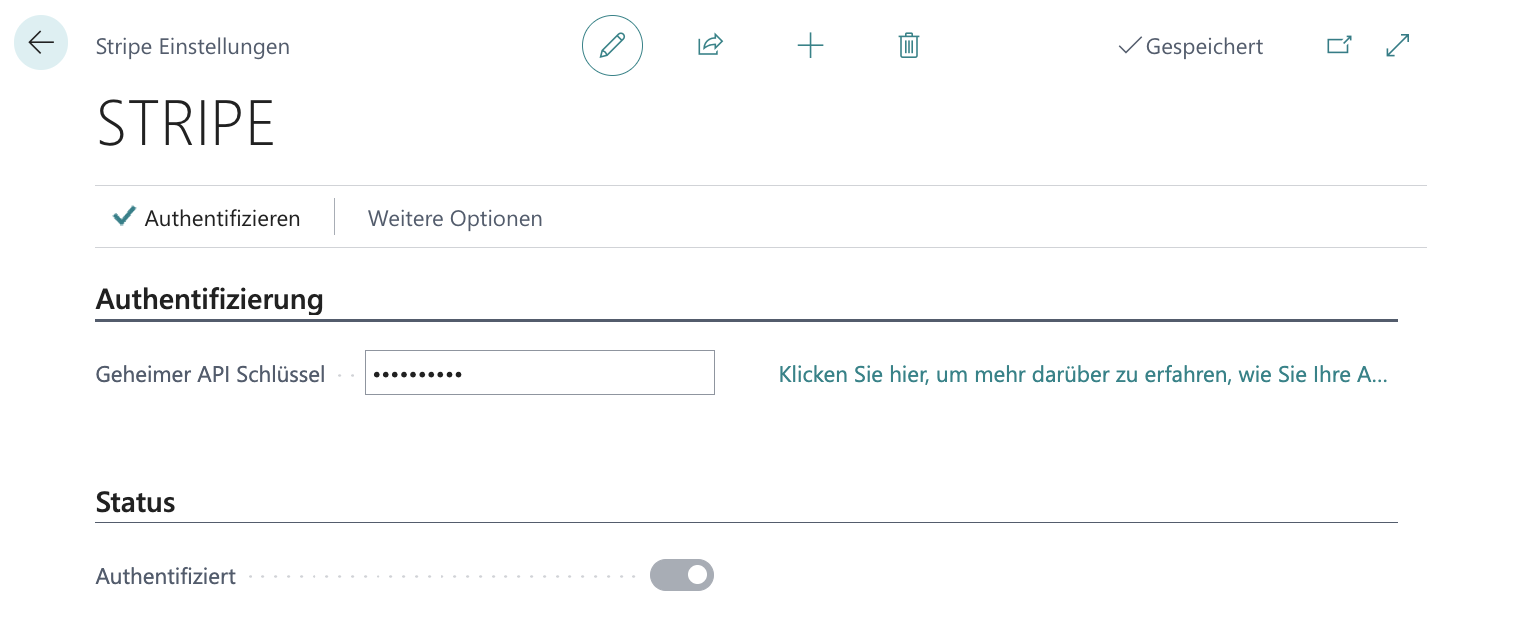
- Select the Authenticate action to check and activate access.
Disconnect Account
To disconnect your Stripe account, follow these steps:
- Select Bank Accounts in the search of Microsoft Dynamics 365 Business Central.
- Select the bank account connected to Stripe.
- In the Bank Account Card, under Actions, choose the action group Account Connection and select Disconnect....
- Confirm the confirmation prompt with Yes.
Retrieve Transactions
After establishing the connection between Stripe and Microsoft Dynamics 365 Business Central via the Stripe integration in 365 business Banking, you can retrieve transactions from Stripe just like from a regular bank account and include them in payment reconciliation.
Good to know
For more information, see Bank Account Reconciliation.
Collect Payments
The Stripe integration supports customer payment collection. Setup and operational steps are documented in Collect Stripe Payments.
Prerequisites
In addition to the common prerequisites:
- The customer bank account payment service is
Stripe. - The customer has granted payment authorization successfully.
Permissions for restricted keys
When restricted keys are used for payment collection, the following write permissions are required:
| Resource Type | Permission | Description |
|---|---|---|
Customer Session | Write | Allows creating customer sessions for payment processing. |
Customers | Write | Allows creating and managing customers. |
Payment Intents | Write | Allows creating payment transactions. |
Payment Methods | Write | Allows managing payment methods. |
Setup Intents | Write | Allows setting up payment authorizations for future payments. |
Checkout Sessions | Write | Allows creating checkout sessions for collection flows. |
Payment authorization and redirect URLs
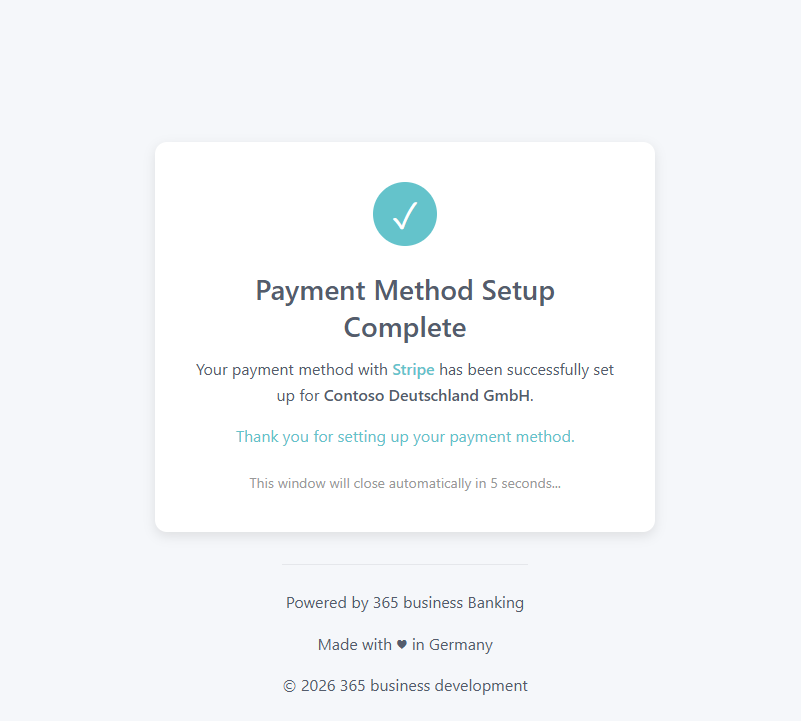
Payment authorization is triggered via Request Payment Authorization... on the customer bank account. Stripe can use optional custom redirect URLs for success and error. If no custom URLs are defined, the default 365 business Banking pages are used.
Note
Default page for successful authorization:
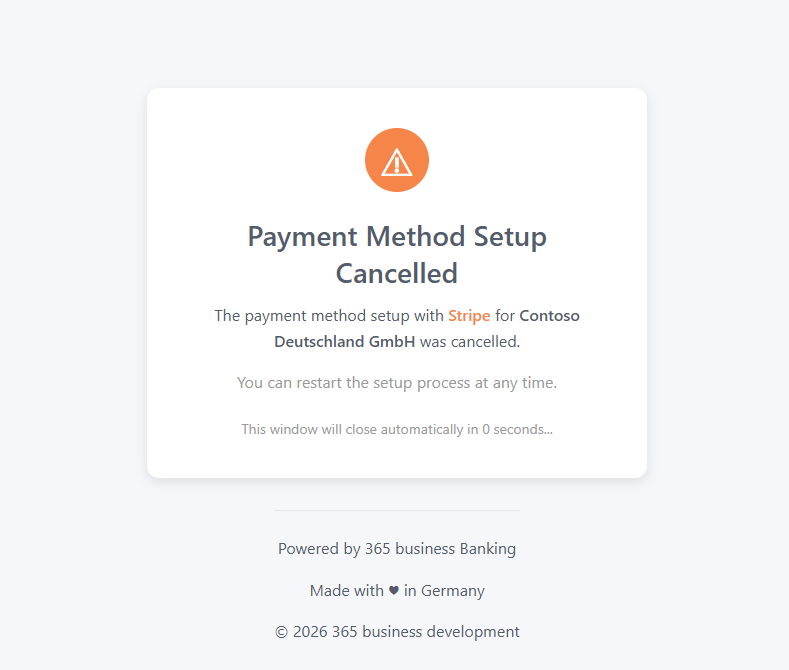
Default page for cancelled authorization: