
Invoicing
Invoices
Through the Extension License Management (365 business development) in Microsoft Dynamics 365 Business Central, you can view and download your invoices at any time. The invoices are available as e-invoices in the ZUGFeRD/Factur-X format.
Info
The Invoices option is only available for end-customer licensing, i.e., without provision by a Microsoft partner, for data protection reasons.
At a Glance
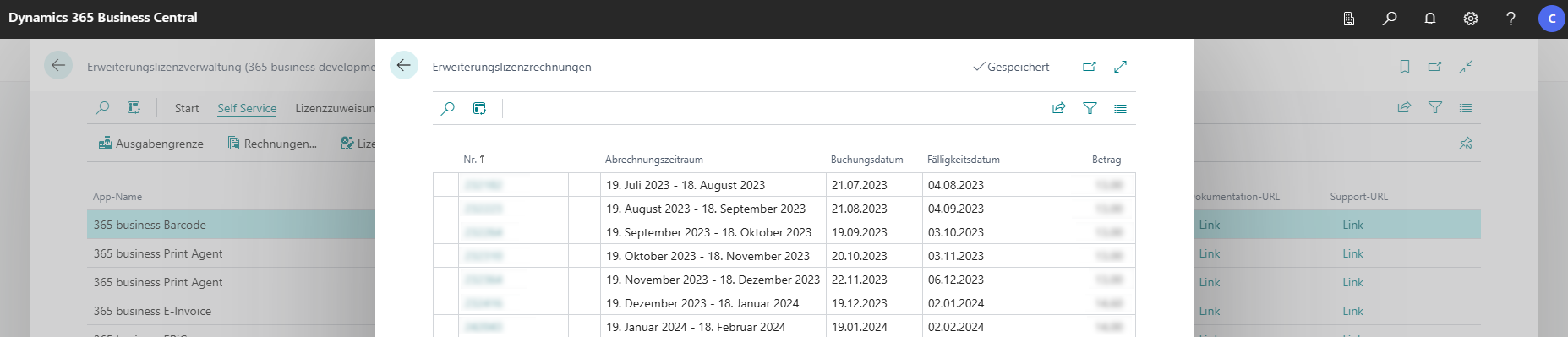
Step 1: View Invoices
- Open Extension License Management (365 business development) using the search function in Microsoft Dynamics 365 Business Central.
- Select the action group Self Service.
- Select the action Invoices.
Step 2: Download Invoice
- Select the desired invoice.
- Select the No. of the invoice to download it.
Last modified on