


365 business Proxy Application
Setup
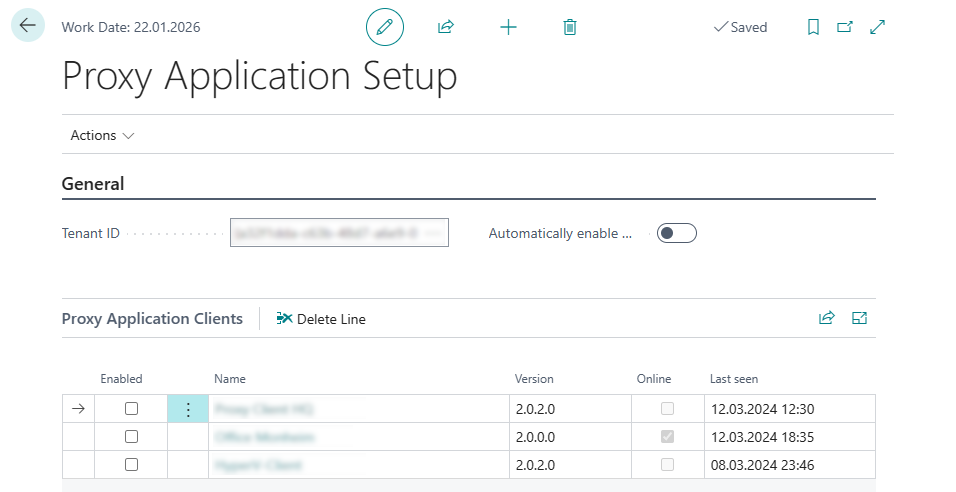
The Proxy Application Setup page contains the core configuration for communication between Microsoft Dynamics 365 Business Central and connected 365 business Proxy Application Clients.
Configuration Parameters
| Field | Group | Description |
|---|---|---|
| Tenant-ID | General | Unique identifier used to securely connect Business Central with the Proxy Application Service. |
| Automatically activate new clients | General | Indicates whether newly registered clients should be automatically activated for use. |
View Logs
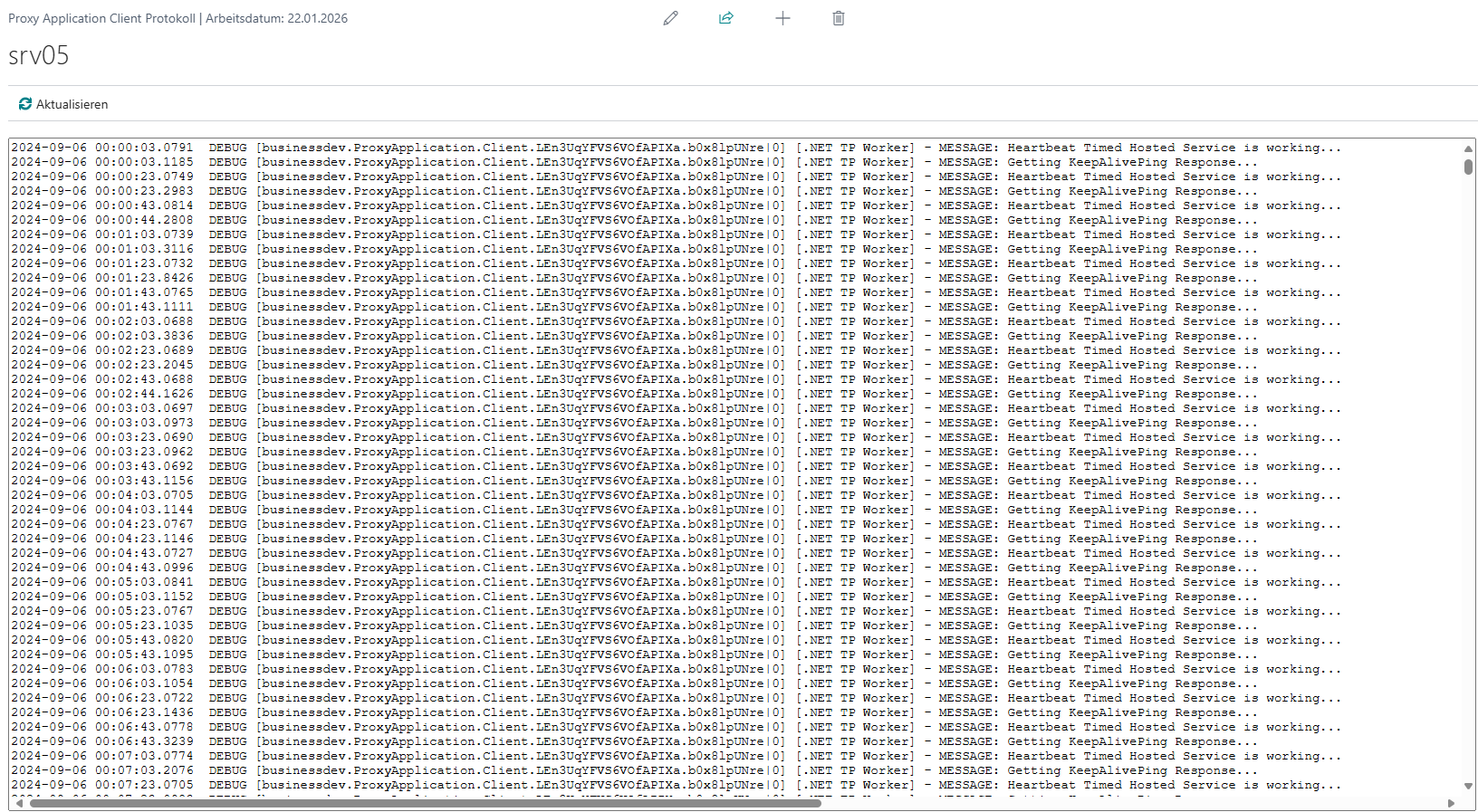
For better monitoring and troubleshooting, the Logs action is available in Business Central.
It displays the current application log of the selected Proxy Application Client directly within the interface.
Note
Logs contain no sensitive data and are intended solely for error analysis.
Please include the logs when submitting a support request so our support team can assist you effectively.
Last modified on