Install Plugins
Plugins are installed directly within Microsoft Dynamics 365 Business Central.
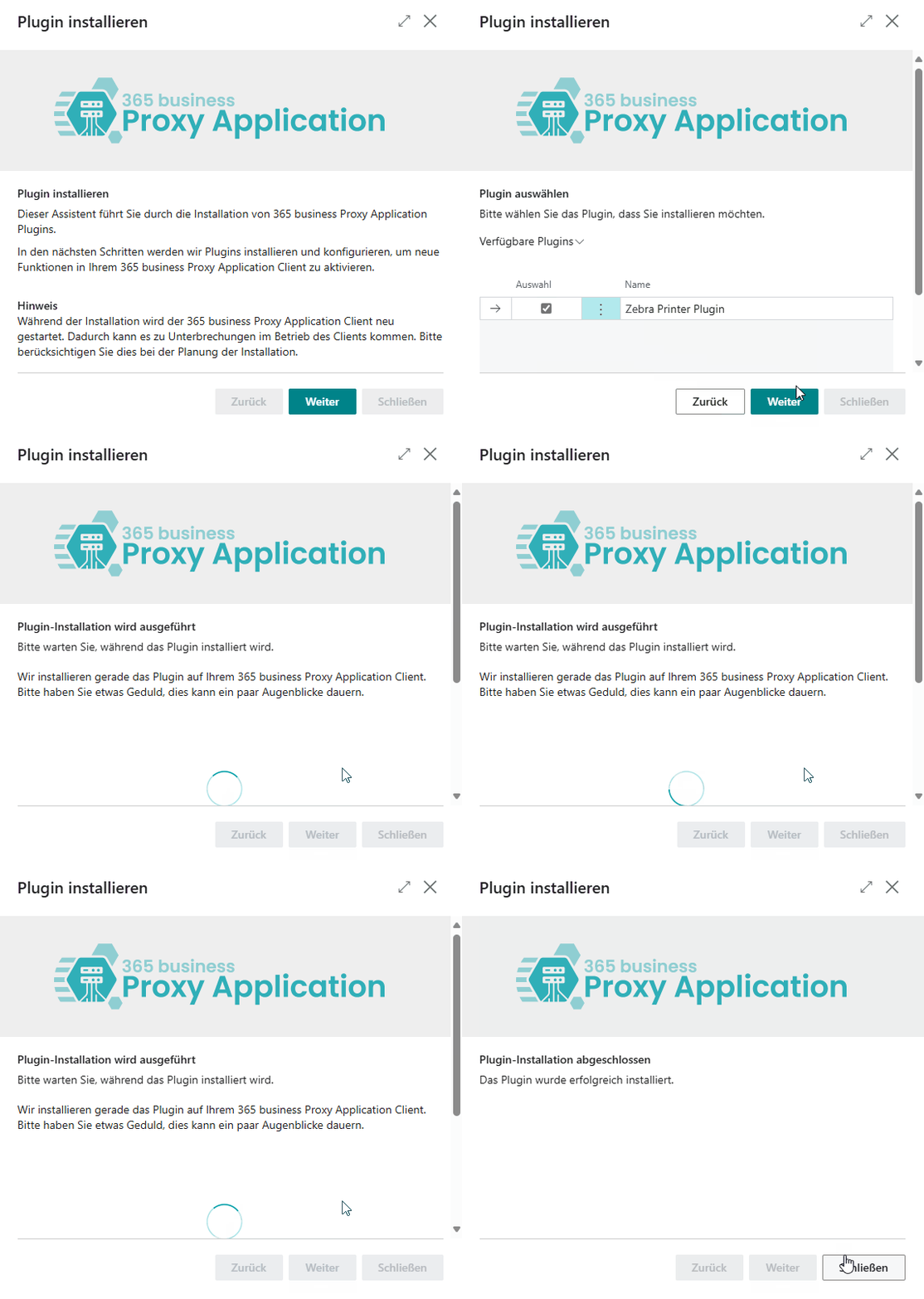
Step by step
Open Microsoft Dynamics 365 Business Central.
Go to the Proxy Application Clients page.
Click Refresh to load available clients.
Select the desired client by name.
Click Install Plugins.
Click Next.
Select the plugins you want to install (e.g., File Plugin).
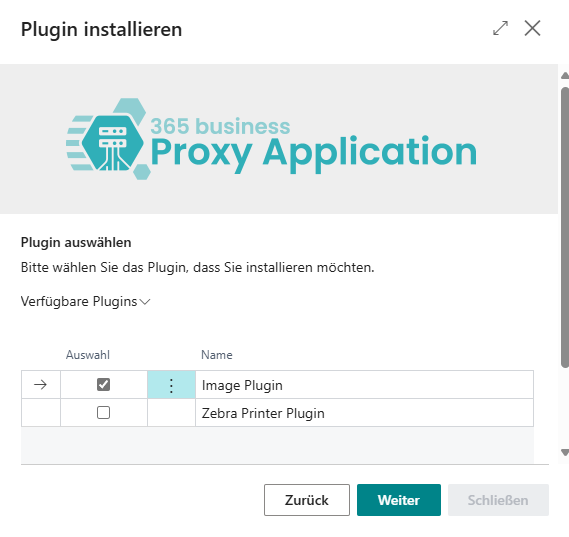
Click Next again.
After the installation is complete, click Close.