import { Callout } from "zudoku/ui/Callout";
# Plugins
**365 business Proxy Application** offers a wide range of standard plugins that allow seamless integration of local resources such as file systems, printers, scales, and more—directly within **Microsoft Dynamics 365 Business Central**.
365 business Proxy Application is designed to integrate local systems into your business processes with minimal effort.
Need a custom plugin for a local device or machine? Contact us here.
---
## Installing Plugins
Plugins are installed directly from within Microsoft Dynamics 365 Business Central:
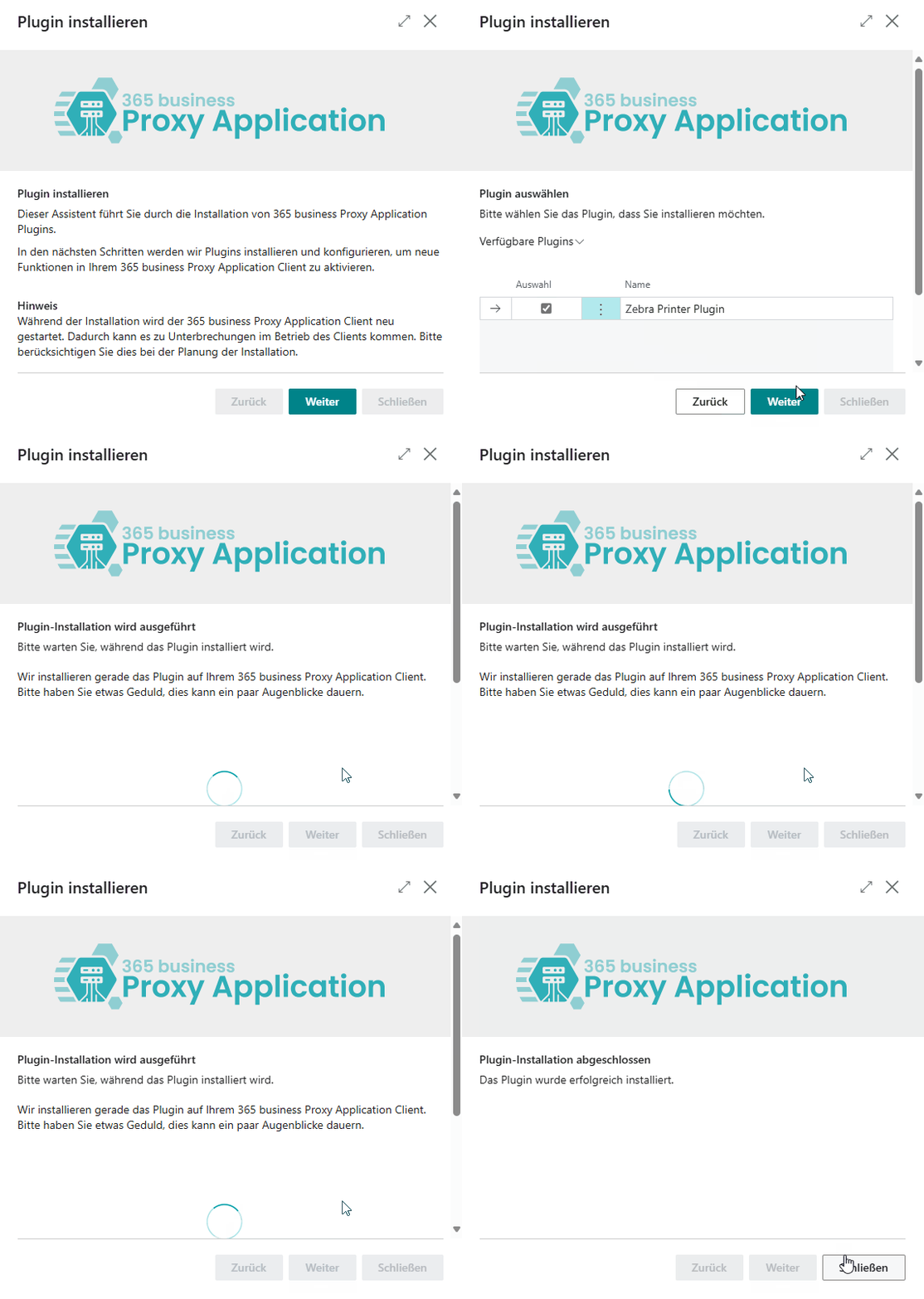
1. Open **Microsoft Dynamics 365 Business Central**.
2. Go to the **Proxy Application Clients** page.
3. Click **Refresh** to load all available clients.
4. Select the client by its assigned name.
5. Click **Install Plugins**.
6. Click **Next**.
7. Select the plugins you wish to install (e.g., File Plugin).
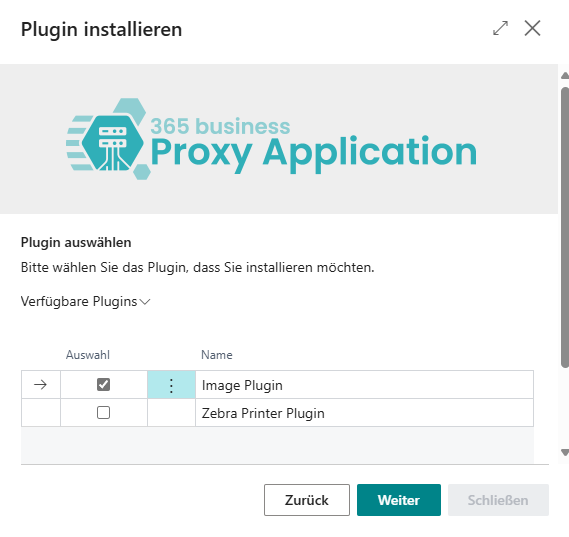
8. Click **Next** again.
9. Once the installation is complete, click **Close**.
---
## Available Plugins
The following standard plugins are currently available:
| Plugin | Description | Documentation |
|-----------------------|------------------------------------------------------------------|--------------------------------------|
| **File Plugin** | Full access to the local file system | [Documentation](plugins/file.md) |
| **Image Plugin** | Read, scale, and resize images from the file system | [Documentation](plugins/image.md) |
| **Print Plugin** | Direct printing to local printers | [Documentation](plugins/print.md) |
| **Zip Plugin** | Create and extract ZIP archives | [Documentation](plugins/zip.md) |
| **Kaptura Plugin** | Integration with KAPTURA 3D scanner | *Documentation coming soon* |
| **Haenel Lift Plugin**| Control a Haenel storage lift | *Documentation coming soon* |
---
## Custom Plugins
We’ve developed many custom plugins for customers and partners to connect local systems and machines directly to Dynamics 365 Business Central.
Examples include:
- POS system integration
- Scale integration
- Vertical lift system control
- MES system integration
- And much more
Custom plugins are built on the same framework as the standard plugins and can be flexibly extended or newly developed.