Plugins
365 business Proxy Application offers a wide range of standard plugins that allow seamless integration of local resources such as file systems, printers, scales, and more—directly within Microsoft Dynamics 365 Business Central.
Good to know
365 business Proxy Application is designed to integrate local systems into your business processes with minimal effort.
Need a custom plugin for a local device or machine? Contact us here.
Need a custom plugin for a local device or machine? Contact us here.
Installing Plugins
Plugins are installed directly from within Microsoft Dynamics 365 Business Central:
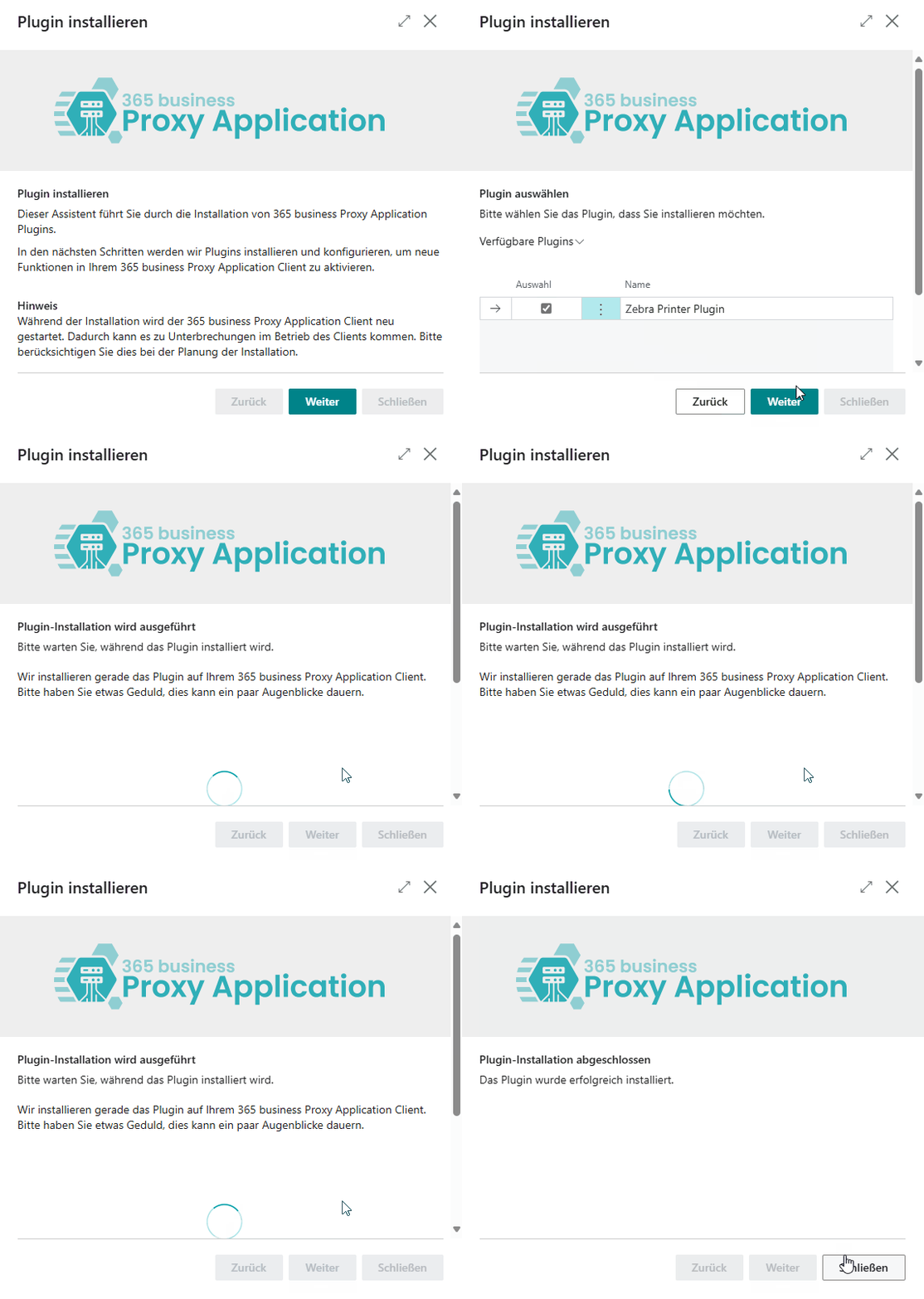
- Open Microsoft Dynamics 365 Business Central.
- Go to the Proxy Application Clients page.
- Click Refresh to load all available clients.
- Select the client by its assigned name.
- Click Install Plugins.
- Click Next.
- Select the plugins you wish to install (e.g., File Plugin).
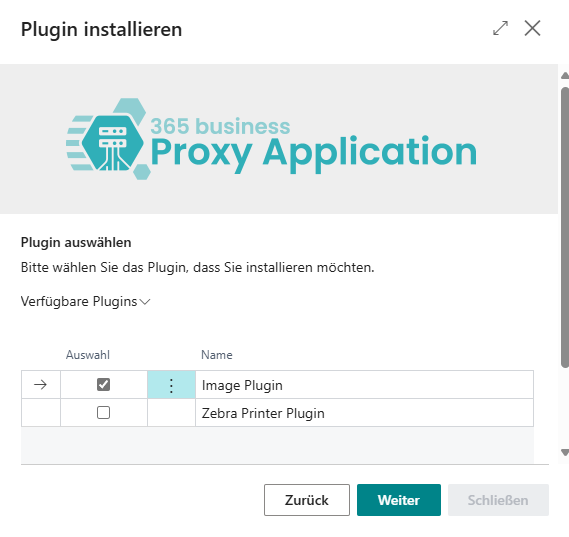
- Click Next again.
- Once the installation is complete, click Close.
Available Plugins
The following standard plugins are currently available:
| Plugin | Description | Documentation |
|---|---|---|
| File Plugin | Full access to the local file system | Documentation |
| Image Plugin | Read, scale, and resize images from the file system | Documentation |
| Print Plugin | Direct printing to local printers | Documentation |
| Zip Plugin | Create and extract ZIP archives | Documentation |
| Kaptura Plugin | Integration with KAPTURA 3D scanner | Documentation coming soon |
| Haenel Lift Plugin | Control a Haenel storage lift | Documentation coming soon |
Custom Plugins
We’ve developed many custom plugins for customers and partners to connect local systems and machines directly to Dynamics 365 Business Central.
Examples include:
- POS system integration
- Scale integration
- Vertical lift system control
- MES system integration
- And much more
Good to know
Custom plugins are built on the same framework as the standard plugins and can be flexibly extended or newly developed.