import { Callout } from "zudoku/ui/Callout";
# 365 business Print Agent Mobile App
**Maximum security and flexibility for your print jobs – anytime and anywhere.**
The **365 business Print Agent** mobile app for **iOS** and **Android** gives users of Microsoft Dynamics 365 Business Central a powerful extension for the **Secure Print** feature – directly on their smartphone or tablet.
The app is the ideal companion for modern work environments where security, mobility, and efficiency are top priorities.
---
## Availability
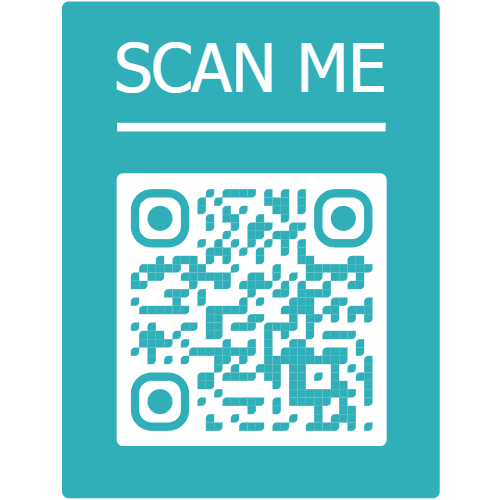
| Platform | QR code for direct download |
|----------|-----------------------------|
|
| |
## What does the app offer?
The app allows users to directly manage all **Secure Print jobs** that were created in Business Central via the **365 business Print Agent** solution. The focus is on the following core functions:
---
## Benefits at a glance
✅ Instant access to all personal print jobs
✅ Secure release: the user decides **when to print**
✅ No printer installation required
✅ Fully integrated with the 365 business Print Agent infrastructure
✅ Supports mobile work and increases print security
✅ Cross-platform: **iOS** and **Android**
---
## Ideal for companies that...
- want to print **confidential documents** only when the user is physically present
- want to offer their employees a **modern and secure print solution**
- value **cloud integration and user-friendliness**
---
The app only works in combination with the paid Secure Print add-on of the 365 business Print Agent solution. Please check in the Extension License Management (365 business development) if your environment is licensed accordingly.
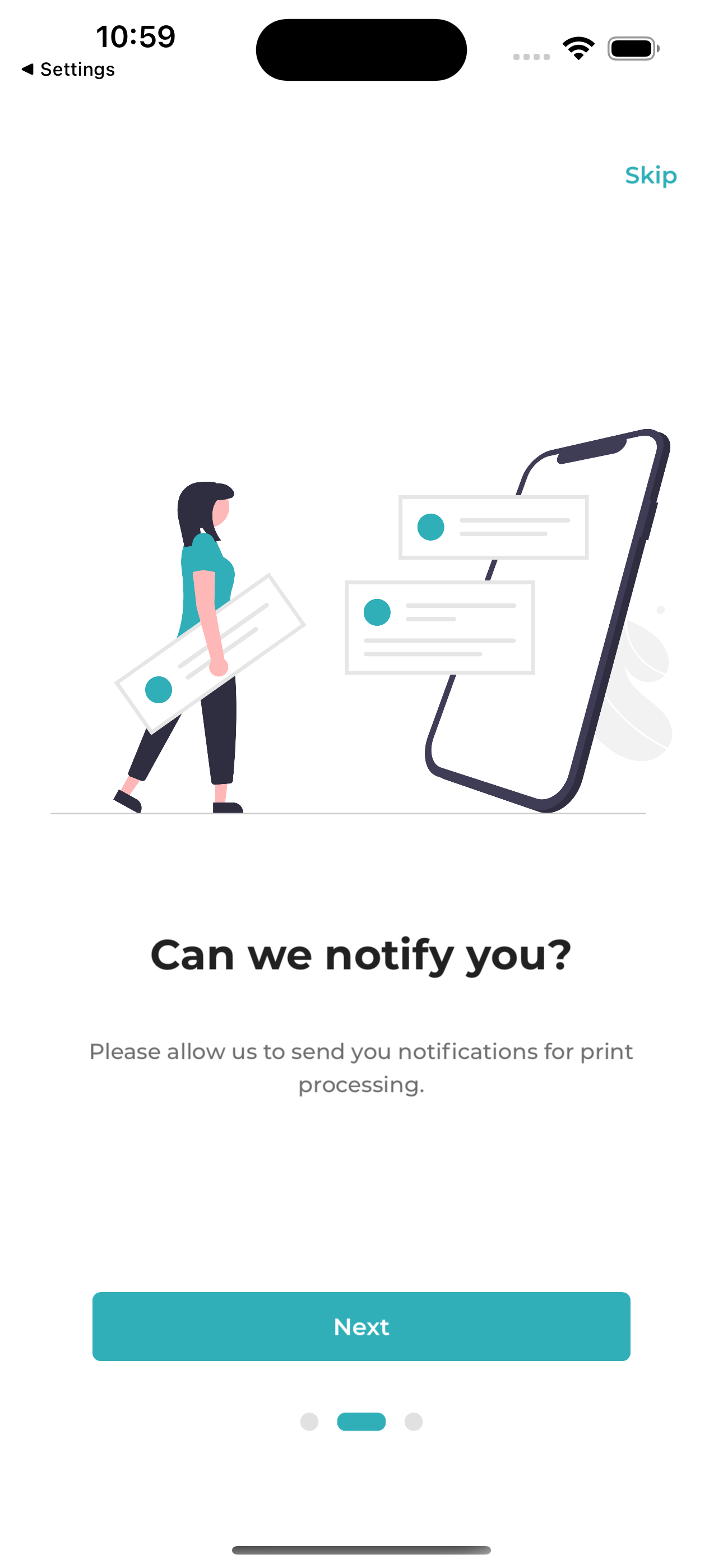
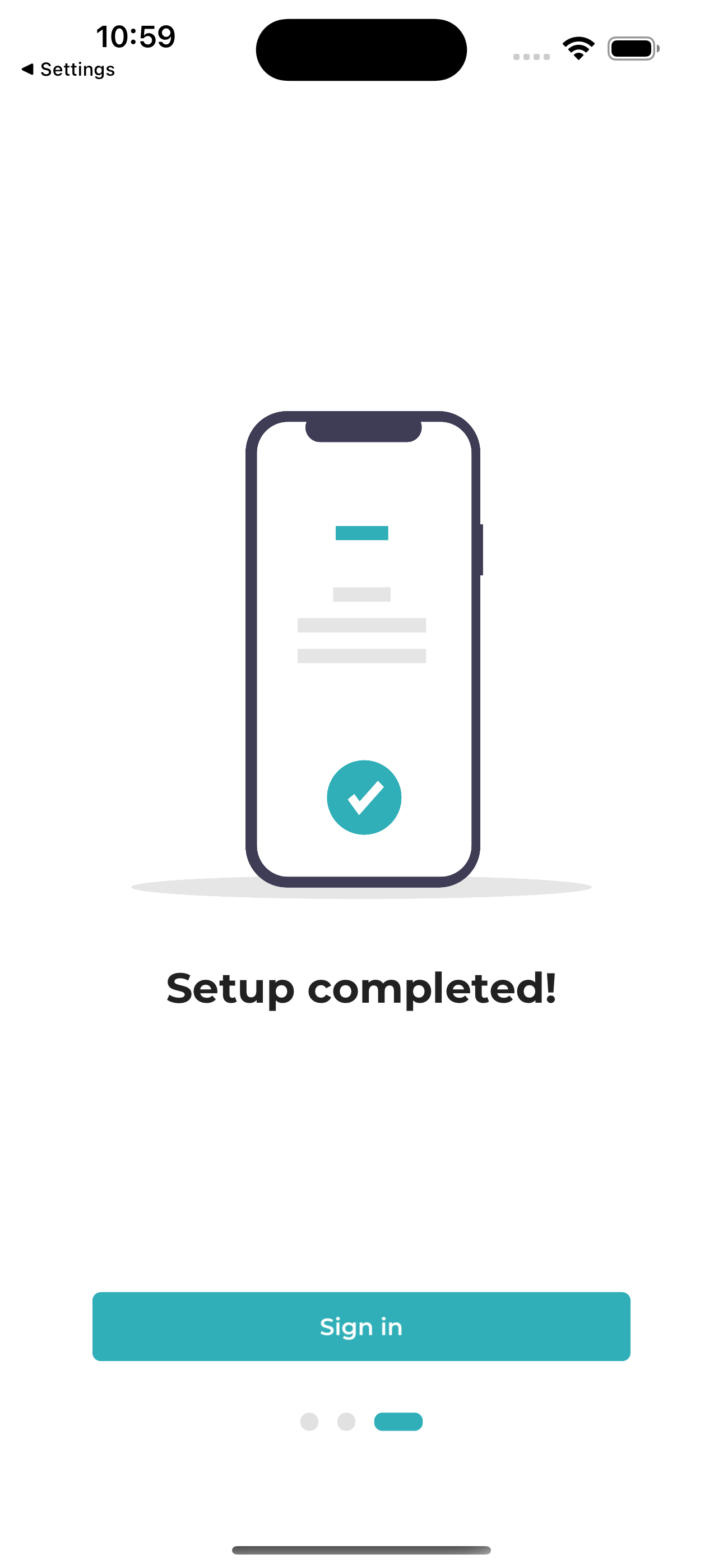
### Get started quickly with guided onboarding
The app provides a clearly structured start through a short onboarding process. After signing in with your Microsoft account, the app is ready to use within seconds.
Onboarding
---
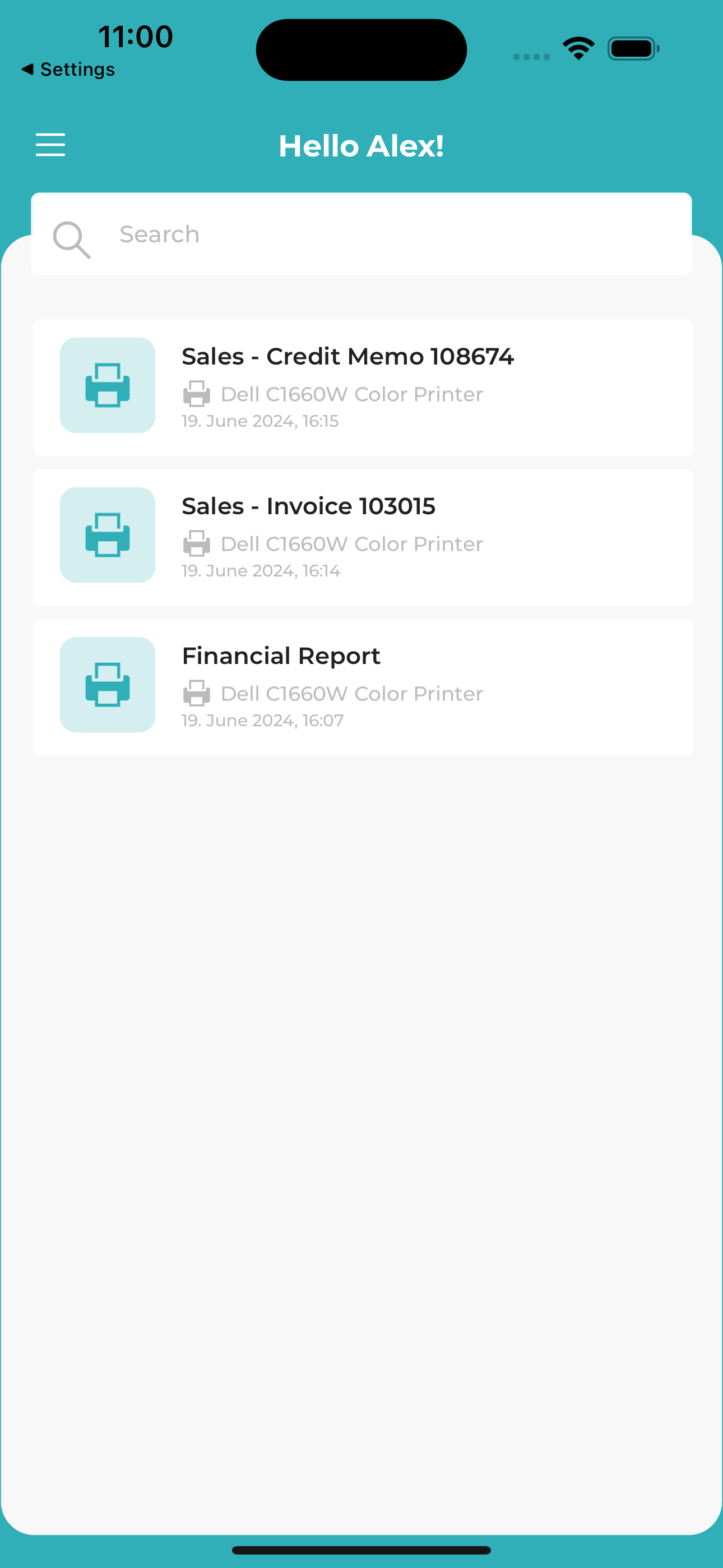
### Overview of all Secure Print jobs
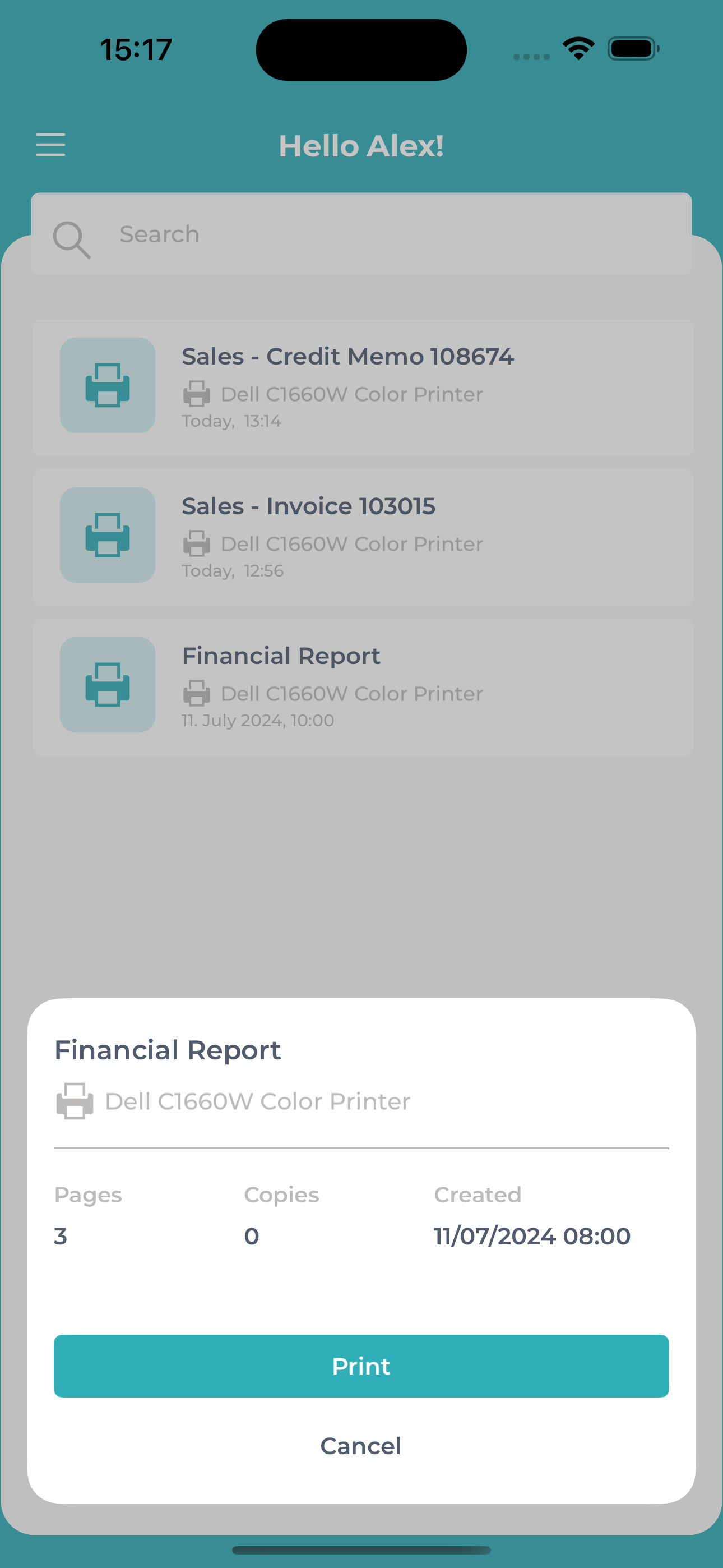
After successful login, the user is presented with a clean, well-organized overview of their **personal print jobs**. Each job can be:
- **printed**, or
- **deleted** directly from the app.
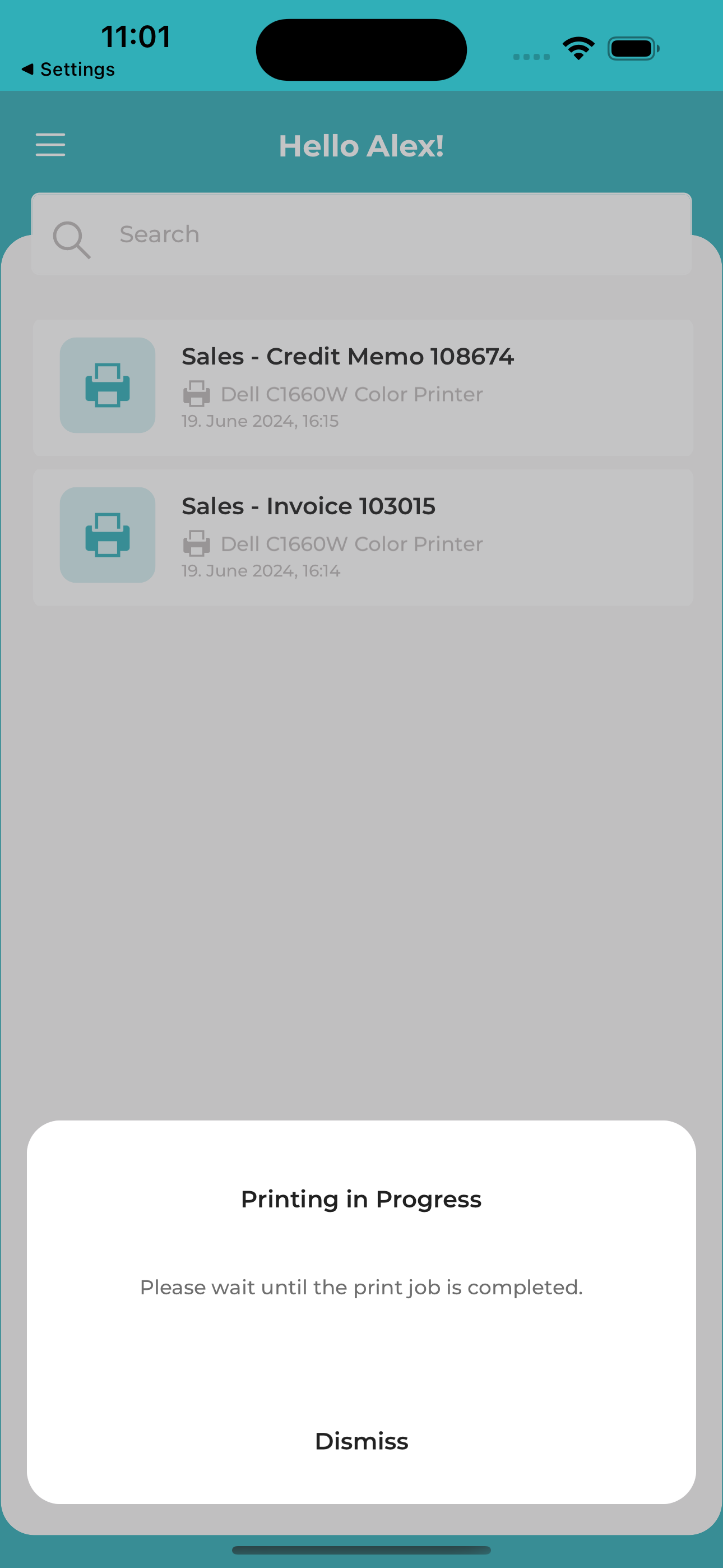
Whether working from home, traveling, in an open-plan office, or the warehouse: with the app, users always have access to their print jobs and can decide **when a document is actually printed – securely, with control, and regardless of location**.
DashboardPrint job detailsPrinting process
---
### User Profile & Support
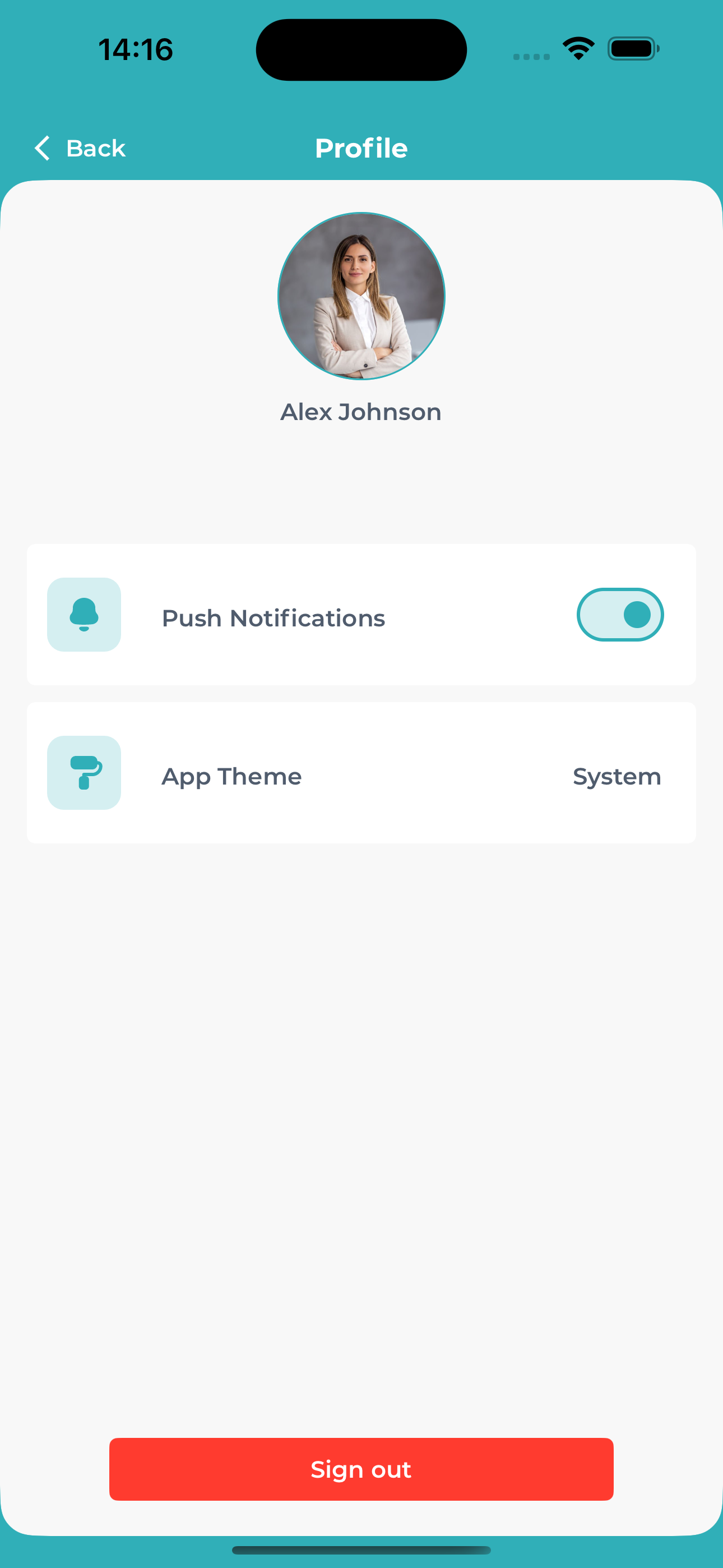
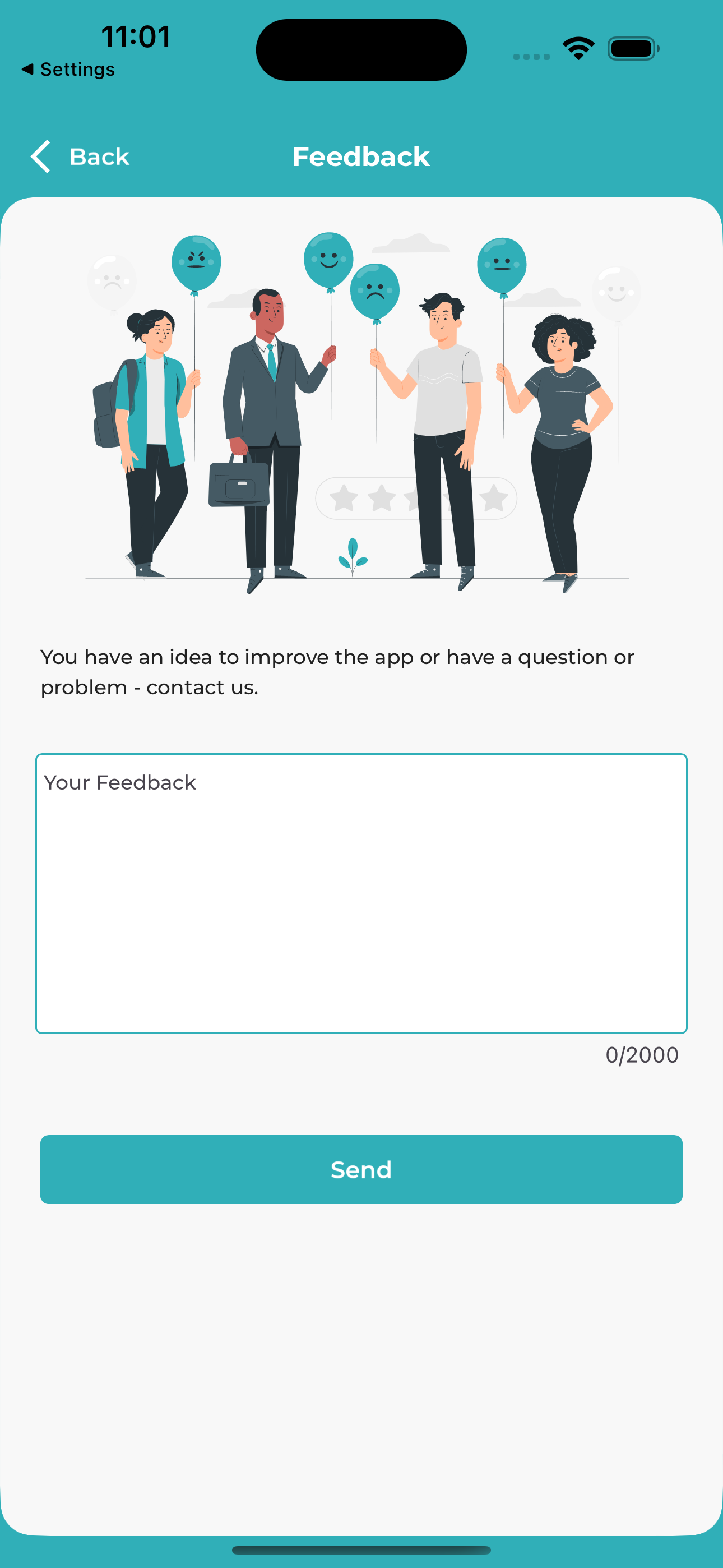
In the profile section, users can adjust their settings, provide feedback, or contact support – all directly from within the app.
ProfileFeedback
---
## Help & Support
👉 For more information on setting up Secure Print, visit the [documentation](secure-print.md).
📞 For questions, our [Support Team](https://365businessdev.atlassian.net/servicedesk/customer/portal/7) is happy to assist.

 |
|  |
## What does the app offer?
The app allows users to directly manage all **Secure Print jobs** that were created in Business Central via the **365 business Print Agent** solution. The focus is on the following core functions:
---
## Benefits at a glance
✅ Instant access to all personal print jobs
✅ Secure release: the user decides **when to print**
✅ No printer installation required
✅ Fully integrated with the 365 business Print Agent infrastructure
✅ Supports mobile work and increases print security
✅ Cross-platform: **iOS** and **Android**
---
## Ideal for companies that...
- want to print **confidential documents** only when the user is physically present
- want to offer their employees a **modern and secure print solution**
- value **cloud integration and user-friendliness**
---
|
## What does the app offer?
The app allows users to directly manage all **Secure Print jobs** that were created in Business Central via the **365 business Print Agent** solution. The focus is on the following core functions:
---
## Benefits at a glance
✅ Instant access to all personal print jobs
✅ Secure release: the user decides **when to print**
✅ No printer installation required
✅ Fully integrated with the 365 business Print Agent infrastructure
✅ Supports mobile work and increases print security
✅ Cross-platform: **iOS** and **Android**
---
## Ideal for companies that...
- want to print **confidential documents** only when the user is physically present
- want to offer their employees a **modern and secure print solution**
- value **cloud integration and user-friendliness**
---